Copying an Ollama model creates another local model name that points at the same underlying model content. It is useful before experimenting with a custom Modelfile, publishing under an account namespace, or preserving a known local tag.
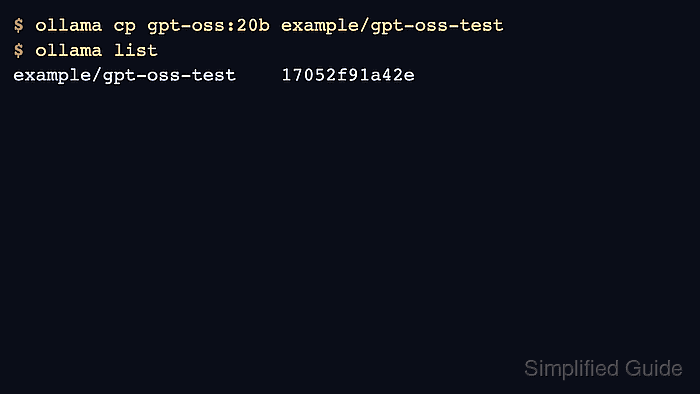
The copy operation changes model metadata in the local model store, so use a clear destination name and verify it appears in the model list before relying on it in scripts.
Do not use copy as a backup for the actual model data. Use a data backup when the host or disk is changing.
Related: How to list Ollama models
Related: How to show Ollama model details
Related: How to back up and restore Ollama data
Steps to copy an Ollama model:
- List the source model name exactly as Ollama knows it.
$ ollama list
NAME           ID              SIZE     MODIFIED
gpt-oss:20b    17052f91a42e    13 GB    6 months ago
- Copy the model to the destination name.
$ ollama cp gpt-oss:20b example/gpt-oss-test
- Verify that the destination name appears in the model list.
$ ollama list
NAME                    ID              SIZE     MODIFIED
example/gpt-oss-test    17052f91a42e    13 GB    just now
gpt-oss:20b             17052f91a42e    13 GB    6 months ago
- Inspect the copied model before using it in automation.
$ ollama show example/gpt-oss-test
  Model
    architecture        gptoss
    parameters          20.9B
##### snipped #####
- Remove the copied name when it was only for testing.
$ ollama rm example/gpt-oss-test
deleted 'example/gpt-oss-test'
Related: How to remove an Ollama model

Author: Mohd
Shakir Zakaria
Mohd Shakir Zakaria is a cloud architect with deep roots in software development and open-source advocacy. Certified in AWS, Red Hat, VMware, ITIL, and Linux, he specializes in designing and managing robust cloud and on-premises infrastructures.


Mohd Shakir Zakaria is a cloud architect with deep roots in software development and open-source advocacy. Certified in AWS, Red Hat, VMware, ITIL, and Linux, he specializes in designing and managing robust cloud and on-premises infrastructures.