Ollama data includes downloaded model blobs, manifests, account state, and local configuration. A useful backup must preserve the model store layout and prove that a restored host can list or run the expected model afterward.
Default paths differ by platform. Linux service installs commonly use /usr/share/ollama for service-owned data, while macOS and Windows user installs keep data under the user's home profile.
Stop Ollama before copying the model store so partially written pulls or manifests do not enter the archive. Restore into a test location first when the original model store is large or production-critical.
Related: How to manage the Ollama service
Related: How to list Ollama models
Related: How to set the Ollama model directory
Steps to back up and restore Ollama data:
- Identify the active model directory.
$ ollama show gpt-oss:20b | sed -n '1,8p'
  Model
    architecture        gptoss
    parameters          20.9B
If OLLAMA_MODELS is set, back up that directory instead of the default.
- Stop Ollama before copying the data.
$ sudo systemctl stop ollama
On macOS or Windows, quit the Ollama app before the backup.
Related: How to manage the Ollama service - Create a compressed backup of the Linux service data directory.
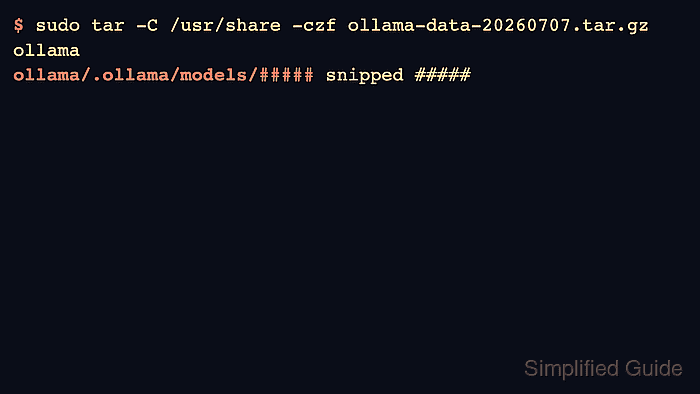
$ sudo tar -C /usr/share -czf ollama-data-$(date +%Y%m%d).tar.gz ollama
ollama/
ollama/.ollama/
##### snipped #####
Adjust the source path for ~/.ollama or a custom OLLAMA_MODELS location.
- Restore the archive into a new data directory.
$ sudo mkdir -p /srv/ollama-restore
$ sudo tar -C /srv/ollama-restore -xzf ollama-data-20260707.tar.gz
- Point a test server at the restored model directory and list models.
$ OLLAMA_MODELS=/srv/ollama-restore/ollama/.ollama/models ollama serve
$ OLLAMA_HOST=http://127.0.0.1:11434 ollama list
NAME           ID              SIZE     MODIFIED
gpt-oss:20b    17052f91a42e    13 GB    6 months ago

Mohd Shakir Zakaria is a cloud architect with deep roots in software development and open-source advocacy. Certified in AWS, Red Hat, VMware, ITIL, and Linux, he specializes in designing and managing robust cloud and on-premises infrastructures.


