The model list shows which models are installed in the local Ollama model store. It is the first check before running, copying, removing, or calling a model from the API.
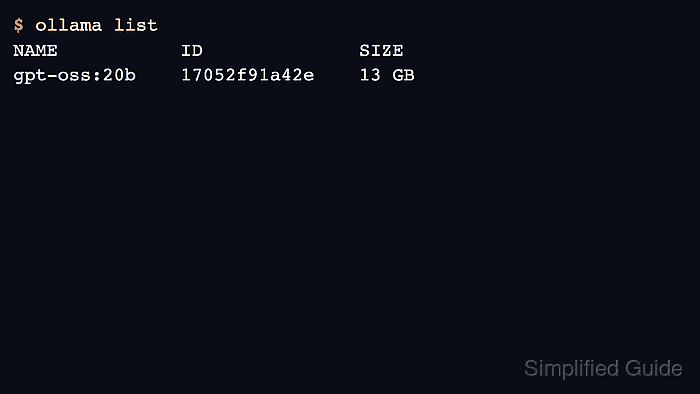
The CLI and API expose the same inventory through different formats. Use ollama list for terminal work and api/tags for scripts that already communicate over HTTP.
An empty list means the server is reachable but has no local models. A missing model error after a non-empty list usually means the script used the wrong tag or connected to a different server.
Related: How to check the Ollama API server
Related: How to pull an Ollama model
Related: How to show Ollama model details
Steps to list Ollama models:
- List local models with the CLI.
$ ollama list
NAME           ID              SIZE     MODIFIED
gpt-oss:20b    17052f91a42e    13 GB    6 months ago
- Check the same inventory through the API.
$ curl -s http://localhost:11434/api/tags
{"models":[{"name":"gpt-oss:20b","model":"gpt-oss:20b"}]}
- Use the exact name and tag in later commands.
$ ollama run gpt-oss:20b "Return only OK." OK - Inspect details when several similar tags exist.
$ ollama show gpt-oss:20b Model parameters 20.9B ##### snipped ##### - Pull the model if the list does not contain the required name.
$ ollama pull gpt-oss:20b
success
Related: How to pull an Ollama model

Author: Mohd
Shakir Zakaria
Mohd Shakir Zakaria is a cloud architect with deep roots in software development and open-source advocacy. Certified in AWS, Red Hat, VMware, ITIL, and Linux, he specializes in designing and managing robust cloud and on-premises infrastructures.


Mohd Shakir Zakaria is a cloud architect with deep roots in software development and open-source advocacy. Certified in AWS, Red Hat, VMware, ITIL, and Linux, he specializes in designing and managing robust cloud and on-premises infrastructures.