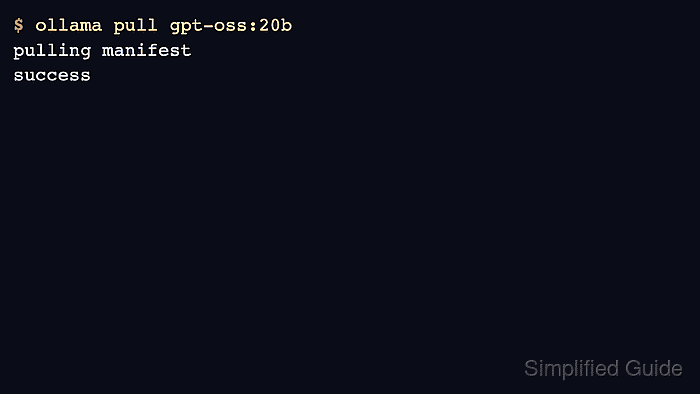
Pulling an Ollama model downloads its manifest and layers into the local model store. It is required before local CLI or API calls can run a model that is not already installed.
Model pulls can be large, and cloud or private models can require authentication. Check disk space and account requirements before pulling large names into a shared host.
Verify the pull with ollama list and a short run. A completed download alone does not prove the model can load into available memory.
Related: How to list Ollama models
Related: How to run a model in Ollama
Related: How to sign in to Ollama
Steps to pull an Ollama model:
- Choose the exact model name and tag.
$ printf '%s\n' gpt-oss:20b
gpt-oss:20b
- Pull the model into the local store.
$ ollama pull gpt-oss:20b
pulling manifest
pulling 17052f91a42e: 100% ▕████████████████▏ 13 GB
success
- Verify the model appears in the local list.
$ ollama list NAME ID SIZE MODIFIED gpt-oss:20b 17052f91a42e 13 GB just now - Run a short load test.
$ ollama run gpt-oss:20b "Return only OK." OK - Use sign-in first for private or cloud model pulls.
$ ollama signinRelated: How to sign in to Ollama

Author: Mohd
Shakir Zakaria
Mohd Shakir Zakaria is a cloud architect with deep roots in software development and open-source advocacy. Certified in AWS, Red Hat, VMware, ITIL, and Linux, he specializes in designing and managing robust cloud and on-premises infrastructures.


Mohd Shakir Zakaria is a cloud architect with deep roots in software development and open-source advocacy. Certified in AWS, Red Hat, VMware, ITIL, and Linux, he specializes in designing and managing robust cloud and on-premises infrastructures.