The Ollama server provides the local HTTP API that CLI commands, SDKs, browser apps, and integrations use. Starting it explicitly is useful on headless hosts, in containers, or when the desktop app is not managing the runtime.
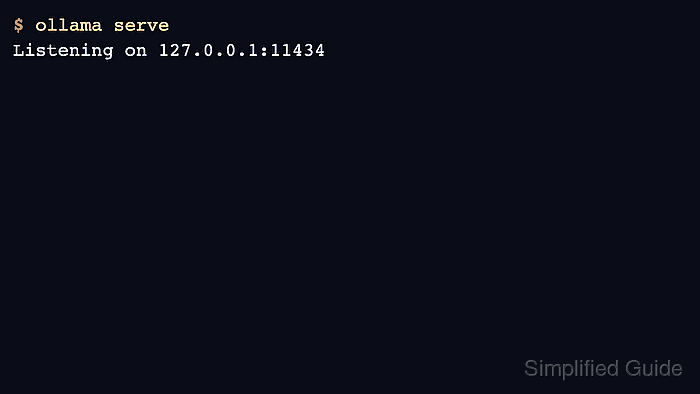
Foreground ollama serve is convenient for testing environment variables. Production Linux installs normally use the ollama systemd service so the server starts on boot.
Check the API endpoint after starting the server. A process that starts but does not answer on the expected host and port will still fail client requests.
Related: How to manage the Ollama service
Related: How to check the Ollama API server
Related: How to set the Ollama host address
Steps to start the Ollama server:
- Start Ollama in the foreground for a temporary test.
$ ollama serve Listening on 127.0.0.1:11434 - Start the Linux service for a service install.
$ sudo systemctl start ollama
Related: How to manage the Ollama service
- Check that the API endpoint answers.
$ curl -s http://localhost:11434/api/version
{"version":"0.31.1"}
- Set server environment variables before starting when needed.
$ OLLAMA_HOST=0.0.0.0:11434 ollama serve
Related: How to set the Ollama host address
- Check logs if the server exits immediately.
$ journalctl -e -u ollama
##### snipped #####
Related: How to view Ollama logs

Mohd Shakir Zakaria is a cloud architect with deep roots in software development and open-source advocacy. Certified in AWS, Red Hat, VMware, ITIL, and Linux, he specializes in designing and managing robust cloud and on-premises infrastructures.


