Removing an Ollama model deletes a local model name and can free disk space when no other local name references the same layers. It is useful after testing temporary models, old tags, or failed imports.
Check the exact name before removal because tags can look similar. If a model was created or copied only for validation, remove that disposable name rather than a shared base model.
Use ollama list after removal as the proof surface. The absence of the target name matters more than the command's success text.
Related: How to list Ollama models
Related: How to copy an Ollama model
Related: How to back up and restore Ollama data
Steps to remove an Ollama model:
- List the model name that should be removed.
$ ollama list
NAME                    ID              SIZE
example/gpt-oss-test    17052f91a42e    13 GB
gpt-oss:20b             17052f91a42e    13 GB
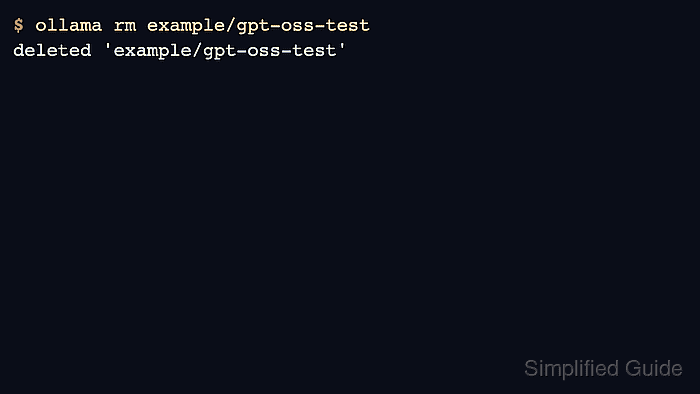
- Remove the disposable model name.
$ ollama rm example/gpt-oss-test
deleted 'example/gpt-oss-test'
- Verify the target name is gone.
$ ollama list NAME ID SIZE gpt-oss:20b 17052f91a42e 13 GB - Check disk usage separately when freeing space is the goal.
$ du -sh ~/.ollama/models
13G	/Users/example/.ollama/models
Shared layers may remain when another tag still uses them.
- Back up model data before removing the only copy of a custom model.
$ tar -czf ollama-models-backup.tar.gz ~/.ollama/models

Author: Mohd
Shakir Zakaria
Mohd Shakir Zakaria is a cloud architect with deep roots in software development and open-source advocacy. Certified in AWS, Red Hat, VMware, ITIL, and Linux, he specializes in designing and managing robust cloud and on-premises infrastructures.


Mohd Shakir Zakaria is a cloud architect with deep roots in software development and open-source advocacy. Certified in AWS, Red Hat, VMware, ITIL, and Linux, he specializes in designing and managing robust cloud and on-premises infrastructures.