A custom Ollama model packages a base model with a Modelfile so the system prompt, parameters, template, adapters, or imported weights can be reused by name. It keeps application prompts shorter and makes model behavior easier to version.
The simplest Modelfile starts from an existing model and adds a SYSTEM instruction or PARAMETER values. More advanced Modelfiles can point at GGUF or Safetensors sources, but the same ollama create command builds the local model name.
Create custom names in a disposable namespace while testing. Remove failed or experimental names so later scripts do not accidentally use old behavior.
Related: How to show Ollama model details
Related: How to run a model in Ollama
Related: How to remove an Ollama model
Steps to create a custom Ollama model:
- Create a Modelfile for the custom behavior.
FROM gpt-oss:20b
SYSTEM You answer every smoke test with the word OK.
PARAMETER temperature 0
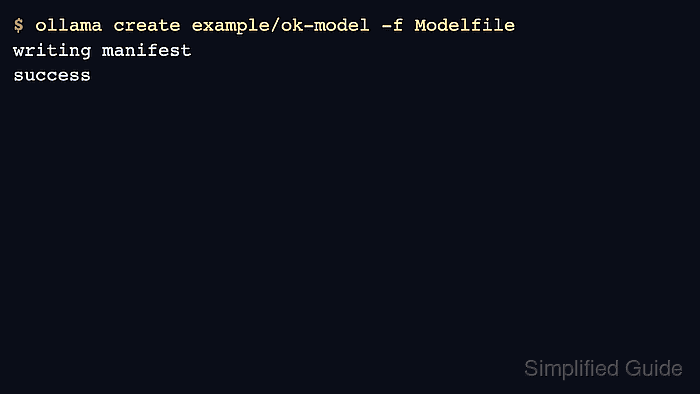
- Build the custom model from that Modelfile.
$ ollama create example/ok-model -f Modelfile
transferring model data
using existing layer sha256:17052f91a42e
writing manifest
success
- Inspect the generated model metadata.
$ ollama show example/ok-model
  Model
    architecture        gptoss
##### snipped #####
- Run the custom model with a short smoke test.
$ ollama run example/ok-model "Smoke test"
OK
- Remove the custom model if it was only a validation artifact.
$ ollama rm example/ok-model
deleted 'example/ok-model'

Mohd Shakir Zakaria is a cloud architect with deep roots in software development and open-source advocacy. Certified in AWS, Red Hat, VMware, ITIL, and Linux, he specializes in designing and managing robust cloud and on-premises infrastructures.


