The ollama launch command configures supported external developer tools so they can use Ollama models. It is useful when a coding assistant or editor needs provider settings without manual environment-variable setup.
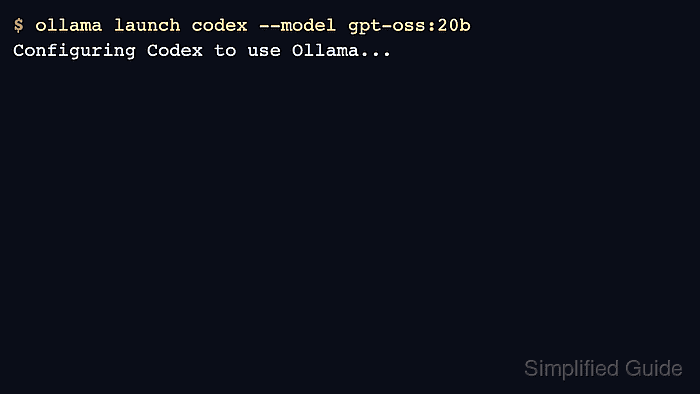
The current CLI lists integrations such as OpenCode, Claude Code, Codex, VS Code, and Droid. An interactive launch can configure and start a tool, while --config prepares settings without opening the integration.
Run the command from a terminal that has access to the target tool. If a tool is not installed, use the generated configuration as a checklist rather than treating launch failure as an Ollama server problem.
Related: How to list Ollama models
Related: How to check the Ollama API server
Related: How to start the Ollama server
Steps to launch an Ollama integration:
- Confirm Ollama is running before configuring an external tool.
$ curl -s http://localhost:11434/api/version
{"version":"0.31.1"}
- Start the interactive integration launcher.
$ ollama launch
? Select an integration  [Use arrows to move]
  Claude Code
  Codex
  VS Code
  Droid
- Launch a specific supported integration when the target is known.
$ ollama launch codex --model gpt-oss:20b
- Generate configuration without launching the external app.
$ ollama launch droid --config
- Run a simple model request after the integration starts.
$ ollama run gpt-oss:20b "Return only OK."
OK

Mohd Shakir Zakaria is a cloud architect with deep roots in software development and open-source advocacy. Certified in AWS, Red Hat, VMware, ITIL, and Linux, he specializes in designing and managing robust cloud and on-premises infrastructures.


