Ollama exposes a local HTTP API on port 11434 by default, and application failures often begin with the wrong host, a stopped server, or an unavailable model. Checking the API server directly separates connection failures from model inventory and memory residency.
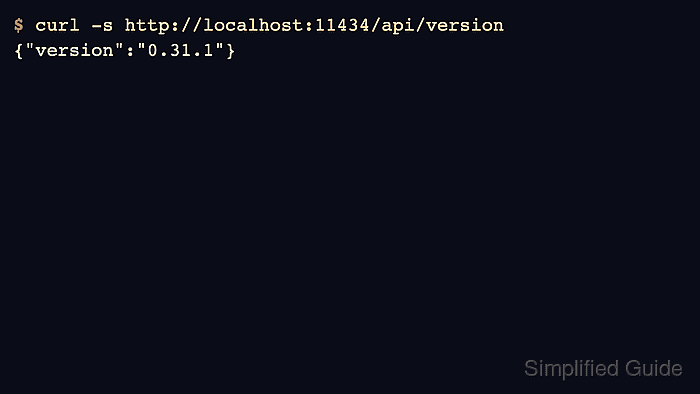
The version, tag, and process endpoints give three different signals. api/version confirms that the server answered, api/tags lists installed models, and api/ps shows which models are currently loaded in memory. None of these responses guarantees that a model can complete a generation request.
All three endpoints describe the server at the requested address. The URL must match the server used by the application, especially when a container or remote machine is involved. localhost refers to the machine or container running curl.
Steps to check the Ollama API server:
- Check that the target API server returns a version.
$ curl -fsS http://localhost:11434/api/version
{"version":"0.40.12"}
The JSON version identifies the answering Ollama server. -sS hides the progress meter while retaining error messages, and -f makes HTTP errors return a nonzero exit status. A curl: (7) connection error means the endpoint could not be reached; it says nothing about installed models.
Related: How to start the Ollama server - List the models installed on the same server.
$ curl -fsS http://localhost:11434/api/tags
The models array contains each installed model's name, digest and size in bytes. An empty models array means the server answered but has no installed models. A failed request is a connection or HTTP error, not an empty inventory.
- Inspect the models loaded in the server's memory.
$ curl -fsS http://localhost:11434/api/ps
{"models":[]}
An empty models array here means no models are loaded, even if api/tags lists installed models. A populated array names the resident models and includes fields such as expires_at and context_length. These status requests leave the model store unchanged. A completed generation request is the separate check for inference.
Related: How to generate text with the Ollama API