An automated Ollama setup needs control over the models stored on its server, as well as access to inference. The native model API lets applications manage that inventory without invoking the Ollama CLI.
Model names belong to the server receiving the request. A copied name shares the original model data, so removing a temporary alias can leave the source model available without downloading it again.
A running local Ollama server, curl, jq, and a Bash-compatible shell are required. Local requests need no API key, while downloading a model requires internet access and free disk space.
Steps to manage Ollama models with the API:
- Inspect the local server's installed model inventory.
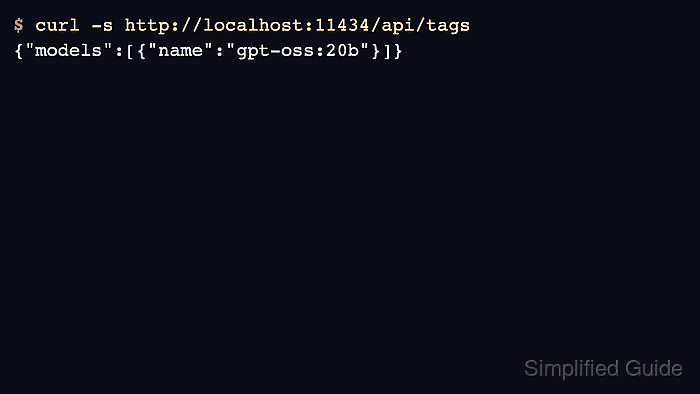
$ curl --fail --silent --show-error http://127.0.0.1:11434/api/tags
{"models":[]}
An empty store returns an empty models array; an existing store lists each model's name, size, digest, and details. A connection error means the local server is unavailable.
Related: How to start the Ollama server - Download the small embedding model through the pull endpoint.
This download adds about 46 MB to the model store. Setting stream to false waits for one final JSON response instead of streaming progress updates.
$ curl --fail --silent --show-error http://127.0.0.1:11434/api/pull \
  -H 'Content-Type: application/json' \
  -d '{"model":"all-minilm:latest","stream":false}'
{"status":"success"}
- Read the downloaded model's details and capabilities.
$ curl --fail --silent --show-error http://127.0.0.1:11434/api/show \
  -H 'Content-Type: application/json' \
  -d '{"model":"all-minilm:latest"}' | jq '{details, capabilities}'
{
  "details": {
    "parent_model": "",
    "format": "gguf",
    "family": "bert",
    "families": [
      "bert"
    ],
    "parameter_size": "23M",
    "quantization_level": "F16"
  },
  "capabilities": [
    "embedding"
  ]
}
jq selects these fields from the server response. The embedding capability identifies a vector model rather than a chat model.
- Copy the downloaded model to an unused local alias that you own.
The destination example/minilm-copy:latest must be disposable and unused by other workloads. Copying to an existing name can replace its model reference.
$ curl --fail --silent --show-error --output /dev/null \
  --write-out '%{http_code}\n' http://127.0.0.1:11434/api/copy \
  -H 'Content-Type: application/json' \
  -d '{"source":"all-minilm:latest","destination":"example/minilm-copy:latest"}'
200
curl prints the HTTP status because a successful copy can have an empty response body. The alias stays on the local server; copying does not publish a model to a registry.
- Check that both the source and copied alias appear in the inventory.
$ curl --fail --silent --show-error http://127.0.0.1:11434/api/tags \
  | jq -r '.models[].name'
example/minilm-copy:latest
all-minilm:latest
The order can vary, and other installed models may also appear.
- Delete the disposable alias created by the copy request.
This removes example/minilm-copy:latest from the server's model inventory. Only the owned alias is targeted; all-minilm:latest remains installed.
$ curl --fail --silent --show-error --request DELETE --output /dev/null \
  --write-out '%{http_code}\n' http://127.0.0.1:11434/api/delete \
  -H 'Content-Type: application/json' \
  -d '{"model":"example/minilm-copy:latest"}'
200
- Confirm that the disposable alias is absent while the source model remains installed.
$ curl --fail --silent --show-error \
  http://127.0.0.1:11434/api/tags | jq -r '.models[].name'
all-minilm:latest
The inventory should contain all-minilm:latest and no longer contain example/minilm-copy:latest. The downloaded source remains available for later API requests.