How to deploy the LGTM stack on Kubernetes
Deploying the LGTM stack on Kubernetes gives each observability backend its own release lifecycle while keeping service discovery inside the cluster. Helm is the normal operator surface for installing Grafana, Loki, Tempo, and Mimir with repeatable values files.
Keep the Kubernetes deployment separate from the local grafana/otel-lgtm image. The all-in-one image is useful for development, but production clusters need chart values for persistent storage, replica counts, resource limits, ingress, service accounts, and backend-specific configuration.
Use a staging namespace first when chart versions, storage providers, or ingress controllers are changing. A successful deployment means Helm releases are deployed, pods are ready, service endpoints exist, and Grafana can query each telemetry backend.
Related: How to deploy a production LGTM stack
Related: How to scale the LGTM stack for high availability
Related: How to configure object storage for Loki
Related: How to configure object storage for Tempo
Related: How to configure object storage for Mimir
Tool: Kubernetes Resource Requests Checker
Steps to deploy the LGTM stack on Kubernetes:
- Create the namespace.
$ kubectl create namespace monitoring
namespace/monitoring created
- Add the Grafana chart repository.
$ helm repo add grafana https://grafana.github.io/helm-charts
"grafana" has been added to your repositories
- Refresh the chart index.
$ helm repo update
##### snipped #####
Update Complete.
- Create a release directory for the values files.
$ mkdir -p values
$ touch values/grafana.yaml values/loki.yaml values/tempo.yaml values/mimir.yaml
Keep production values in version control with secret references only. Do not commit raw access keys or generated passwords.
- Install Loki with the production values file.
$ helm upgrade --install loki grafana/loki \
  --namespace monitoring \
  --values values/loki.yaml \
  --wait --timeout 15m
Release "loki" has been upgraded. Happy Helming!
- Install Tempo with the production values file.
$ helm upgrade --install tempo grafana/tempo-distributed \
  --namespace monitoring \
  --values values/tempo.yaml \
  --wait --timeout 15m
Release "tempo" has been upgraded. Happy Helming!
- Install Mimir with the production values file.
$ helm upgrade --install mimir grafana/mimir-distributed \
  --namespace monitoring \
  --values values/mimir.yaml \
  --wait --timeout 20m
Release "mimir" has been upgraded. Happy Helming!
- Install Grafana after the backend service names are known.
$ helm upgrade --install grafana grafana/grafana \
  --namespace monitoring \
  --values values/grafana.yaml \
  --wait --timeout 10m
Release "grafana" has been upgraded. Happy Helming!
- List the Helm releases.
$ helm list --namespace monitoring
NAME      NAMESPACE    REVISION    STATUS
grafana   monitoring   1           deployed
loki      monitoring   1           deployed
tempo     monitoring   1           deployed
mimir     monitoring   1           deployed
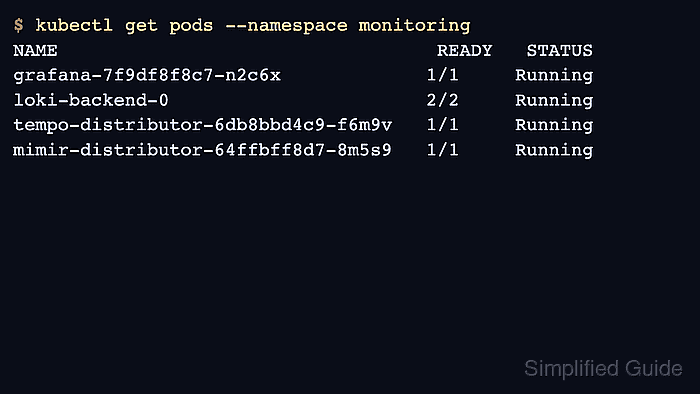
- Check Kubernetes readiness.
$ kubectl get pods --namespace monitoring
NAME                                  READY   STATUS
grafana-7f9df8f8c7-n2c6x             1/1     Running
loki-backend-0                       2/2     Running
tempo-distributor-6db8bbd4c9-f6m9v   1/1     Running
mimir-distributor-64ffbff8d7-8m5s9   1/1     Running
- Check service endpoints.
$ kubectl get svc --namespace monitoring
NAME                    TYPE        CLUSTER-IP
grafana                 ClusterIP   10.96.10.20
loki-gateway            ClusterIP   10.96.10.21
tempo-query-frontend    ClusterIP   10.96.10.22
mimir-nginx             ClusterIP   10.96.10.23
- Open Grafana through the approved ingress or port-forward and test the data sources.
$ kubectl port-forward --namespace monitoring svc/grafana 3000:80
Forwarding from 127.0.0.1:3000 -> 3000
Use port-forwarding only for local validation. Production users should access Grafana through the approved ingress or gateway.
- Run one log, trace, and metric query through Grafana before handoff.
$ curl --silent http://127.0.0.1:3000/api/health
{"database":"ok","version":"13.0.1"}