A shared chat service can expose an encrypted entry point while keeping its application port private. An Nginx reverse proxy gives Open WebUI a single HTTPS hostname for browser access. The proxy also passes the request details that Open WebUI needs for logins, callbacks, chat streaming, and browser sessions.
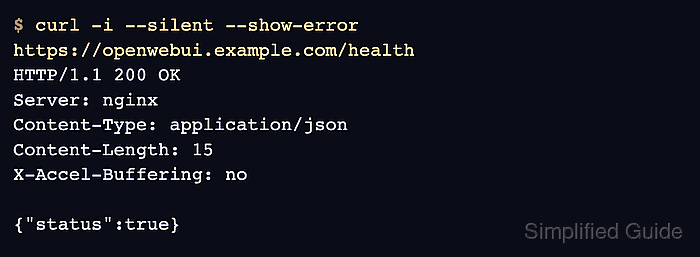
Open WebUI traffic is more than a static web page. The browser loads the app, calls backend API routes, keeps realtime channels open, and streams model responses. The proxy block therefore needs HTTP/1.1 upstream proxying, WebSocket upgrade headers, long read timeouts, forwarded scheme and host headers, and disabled proxy buffering for streaming responses.
The starting point is an existing Docker Compose deployment, a working model connection, an administrator account, and Nginx on the same host. The hostname must resolve to that host, and its certificate must already be valid and trusted by clients. Certificate issuance and model-provider setup are separate tasks.
Steps to configure Nginx reverse proxy for Open WebUI:
- Back up the existing Compose service definition from its project directory.
$ cp -p compose.yaml compose.yaml.before-proxy
All Compose commands use the existing project directory. Recreating the service briefly disconnects users. The existing image, data volume, project name, and WEBUI_SECRET_KEY remain unchanged during this proxy configuration. The backup provides a recovery copy of the previous service settings.
Related: How to run Open WebUI with Docker Compose
Related: How to set WEBUI_SECRET_KEY in Open WebUI - Update the existing open-webui service with a loopback-only port and the HTTPS environment settings.
services:
  open-webui:
    ports:
      - "127.0.0.1:3000:8080"
    environment:
      WEBUI_URL: "https://openwebui.example.com"
      CORS_ALLOW_ORIGIN: "https://openwebui.example.com"
      WEBUI_SESSION_COOKIE_SECURE: "true"
      WEBUI_AUTH_COOKIE_SECURE: "true"
This is a fragment of the existing service, not a replacement for compose.yaml. Existing image, volume, secret and provider settings remain required. The port entry replaces any public 3000:8080 mapping. The hostname is a placeholder for your own origin, with no path or trailing slash.
A saved WebUI URL overrides the WEBUI_URL environment default. The saved value is checked after signing in below. The CORS and cookie settings take effect when the application starts with its new environment.
- Validate the revised Compose definition without printing its secrets.
$ docker compose config --quiet
- Recreate Open WebUI with the revised service settings.
$ docker compose up -d --force-recreate --wait open-webui
Do not remove the named data volume. If startup fails, the saved compose.yaml.before-proxy can replace the edited definition before the same recreate command restores the previous runtime settings. A restart alone does not load changed container environment values.
- Check that Compose publishes the backend only on loopback.
$ docker compose ps open-webui
The PORTS column must show 127.0.0.1:3000->8080/tcp. A 0.0.0.0 or [::] publication leaves the backend reachable outside the intended proxy boundary.
- Confirm that the Open WebUI backend answers from the Nginx host.
$ curl -fsS http://127.0.0.1:3000/health
{"status":true}
- Back up the existing Nginx virtual host file.
$ sudo cp -p /etc/nginx/conf.d/openwebui.example.com.conf /etc/nginx/conf.d/openwebui.example.com.conf.before-proxy
This path must be the active file for the hostname. A new virtual host has no previous file to back up. Files ending in .before-proxy are outside the usual conf.d/*.conf include.
- Edit the active Nginx configuration file for the Open WebUI hostname.
$ sudoedit /etc/nginx/conf.d/openwebui.example.com.conf
On systems that use /etc/nginx/sites-available and /etc/nginx/sites-enabled, the equivalent active site file belongs under /etc/nginx/sites-available with its existing /etc/nginx/sites-enabled link.
- Add the Open WebUI reverse proxy server block.
map $http_upgrade $connection_upgrade {
    default upgrade;
    '' close;
}

upstream openwebui_backend {
    server 127.0.0.1:3000;
    keepalive 64;
}

server {
    listen 80;
    server_name openwebui.example.com;

    return 301 https://$host$request_uri;
}

server {
    listen 443 ssl;
    server_name openwebui.example.com;

    ssl_certificate /etc/letsencrypt/live/openwebui.example.com/fullchain.pem;
    ssl_certificate_key /etc/letsencrypt/live/openwebui.example.com/privkey.pem;
    ssl_protocols TLSv1.2 TLSv1.3;

    client_max_body_size 100M;
    proxy_buffer_size 128k;
    proxy_buffers 4 256k;
    proxy_busy_buffers_size 256k;
    large_client_header_buffers 4 32k;

    location / {
        proxy_pass http://openwebui_backend;
        proxy_http_version 1.1;
        proxy_set_header Upgrade $http_upgrade;
        proxy_set_header Connection $connection_upgrade;
        proxy_set_header Host $host;
        proxy_set_header X-Forwarded-Host $host;
        proxy_set_header X-Real-IP $remote_addr;
        proxy_set_header X-Forwarded-For $remote_addr;
        proxy_set_header X-Forwarded-Proto $scheme;

        proxy_read_timeout 1800s;
        proxy_send_timeout 1800s;
        proxy_connect_timeout 60s;
        proxy_buffering off;
        proxy_request_buffering off;
        proxy_cache off;
        add_header X-Accel-Buffering "no" always;
    }
}
The map block belongs in the http context. Files under /etc/nginx/conf.d/ are normally included there by packaged Nginx builds.
If browser-facing HTTP/2 is enabled, keep proxy_http_version 1.1 for the upstream connection so WebSocket upgrades and streaming routes do not depend on backend HTTP/2 support.
The header checker can inspect this proxy block before it is applied.
Tool: NGINX Proxy Headers Checker - Test the Nginx configuration.
$ sudo nginx -t
nginx: the configuration file /etc/nginx/nginx.conf syntax is ok
nginx: configuration file /etc/nginx/nginx.conf test is successful
- Reload Nginx to apply the validated proxy block.
A syntactically valid but incorrectly routed virtual host can interrupt HTTPS access, logins, and chat after reload. If the new site fails, restoring the saved virtual host followed by a successful nginx -t and another reload returns the old configuration. A failed syntax test must be corrected before reload.
Related: How to manage the Nginx service$ sudo nginx -s reload
- Request the Open WebUI health endpoint through its HTTPS hostname.
$ curl -fsS https://openwebui.example.com/health
{"status":true}
The certificate must validate without –insecure. A private organizational CA must already be trusted by the client. The health body proves application routing, while the browser checks below exercise login and chat.
Related: How to monitor Open WebUI health and model availability - Open the HTTPS hostname in a separate signed-out browser window.
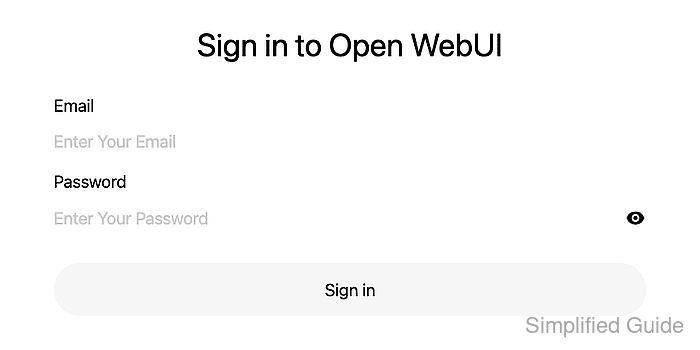
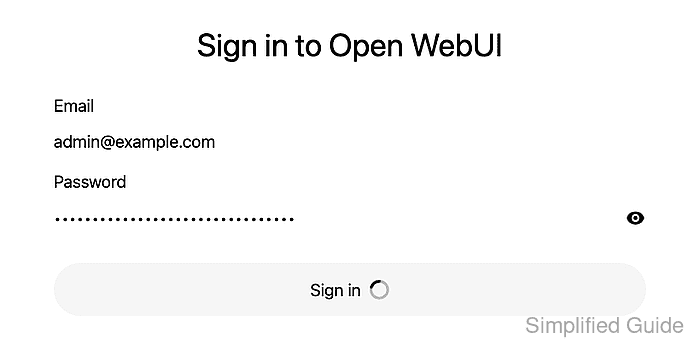
A certificate warning means the hostname or trust chain needs repair before credentials are entered.
- Enter the email address of an existing administrator account.
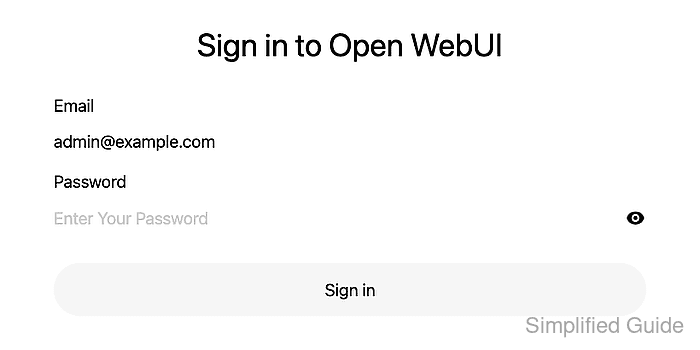
- Enter the account password in the masked Password field.
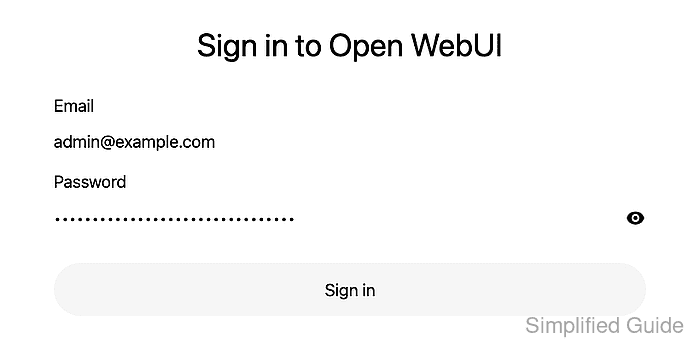
- Submit the Sign in form.
- Confirm that the authenticated chat interface loads through HTTPS.
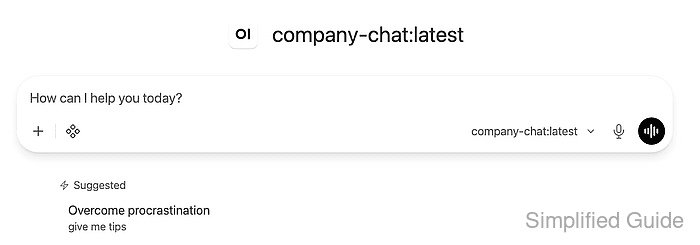
If release notes appear, their close control dismisses the announcement.
- Open the user menu at the lower left.
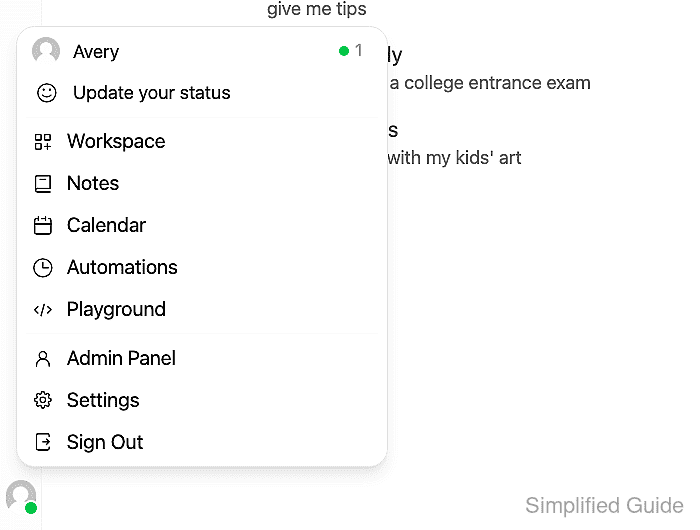
- Choose Admin Panel from the user menu.

- Open Settings in the administrator navigation.

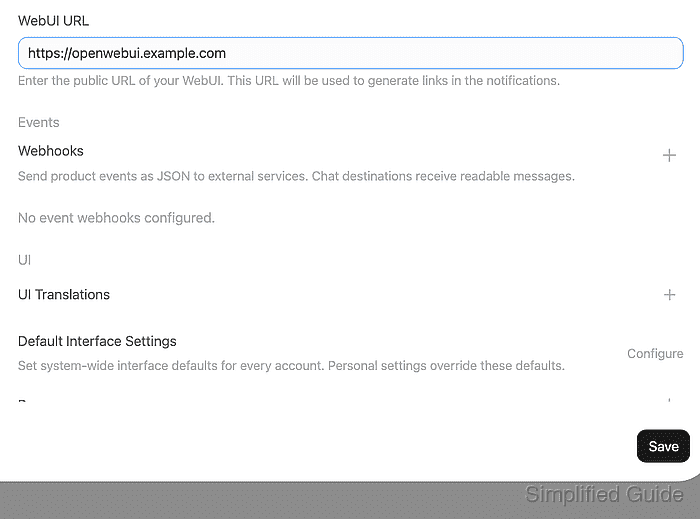
The WebUI URL field is under Admin → System → General. A saved value can override the environment default.
- Enter the public HTTPS origin in WebUI URL.

The origin here is https://openwebui.example.com, without a trailing slash. It must match the browser origin and CORS_ALLOW_ORIGIN.
- Save the administrator settings.
- Close Settings with Back.

- Open New Chat from the sidebar.
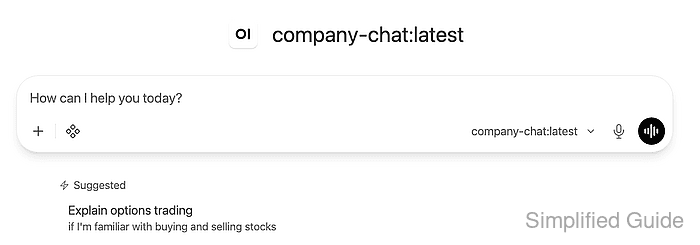
- Open the model picker in the message composer.
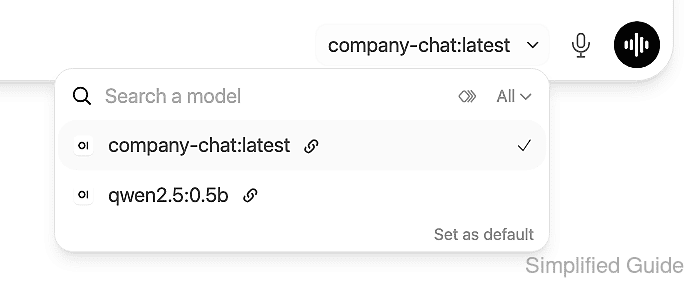
- Select a model from the existing provider connection.

company-chat:latest is the model available on this instance; your provider's model name can differ.
- Enter a short test prompt in the message composer.
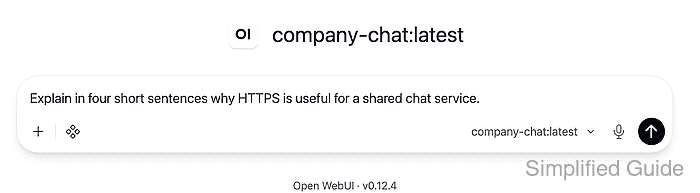
The prompt shown is “Explain in four short sentences why HTTPS is useful for a shared chat service.” No private conversation content is needed.
- Send the test prompt.

- Confirm that the selected model's reply arrives progressively through the HTTPS hostname.
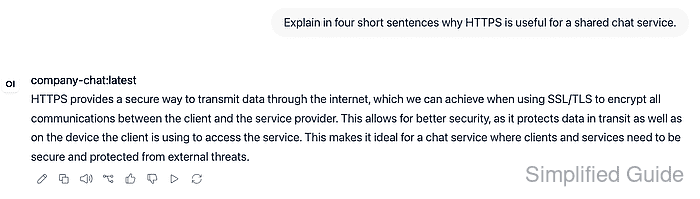
A completed reply, a working composer, and an established WebSocket connection demonstrate more than a successful login page. The browser's network panel shows status 101 for the /ws/socket.io/ WebSocket upgrade. Stalled output or socket failures point to origin matching, upgrade forwarding, buffering, timeouts, or backend reachability.
Related: How to fix Open WebUI localhost connection errors in Docker