The Ollama service keeps the local API running on Linux hosts where the desktop app is not responsible for startup. Service management is needed after environment changes, updates, and troubleshooting.
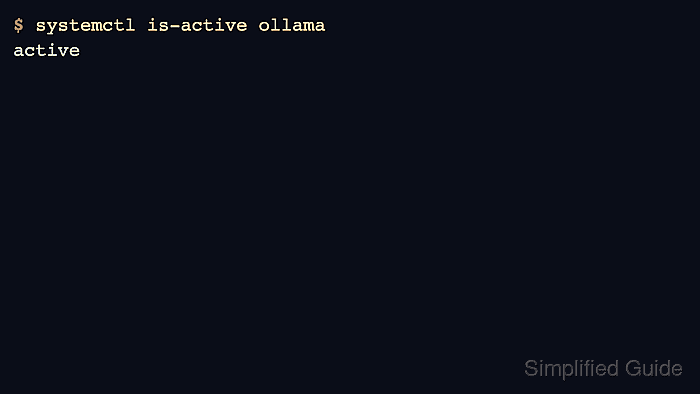
Systemd controls the packaged Linux service. Use it to start, stop, restart, enable, disable, and inspect the ollama unit, then verify the API endpoint separately.
A service state of active only proves the process is running. Run an API version check after service operations so client-facing status is also confirmed.
Related: How to start the Ollama server
Related: How to check Ollama server status
Related: How to view Ollama logs
Steps to manage the Ollama service:
- Check whether the service is active.
$ systemctl is-active ollama
active
- Start or restart the service after configuration changes.
$ sudo systemctl restart ollama
- Enable the service at boot when the host should serve Ollama after restarts.
$ sudo systemctl enable ollama
Created symlink /etc/systemd/system/multi-user.target.wants/ollama.service.
- View recent service status and log lines.
$ systemctl status ollama ● ollama.service - Ollama Service Active: active (running) ##### snipped ##### - Confirm the API answers after the service operation.
$ curl -s http://localhost:11434/api/version
{"version":"0.31.1"}
- Stop the service when maintenance requires no active API.
$ sudo systemctl stop ollama

Author: Mohd
Shakir Zakaria
Mohd Shakir Zakaria is a cloud architect with deep roots in software development and open-source advocacy. Certified in AWS, Red Hat, VMware, ITIL, and Linux, he specializes in designing and managing robust cloud and on-premises infrastructures.


Mohd Shakir Zakaria is a cloud architect with deep roots in software development and open-source advocacy. Certified in AWS, Red Hat, VMware, ITIL, and Linux, he specializes in designing and managing robust cloud and on-premises infrastructures.