Ollama binds its API to 127.0.0.1:11434 by default, which keeps local model access private to the machine. Changing OLLAMA_HOST exposes the server on another address or port for containers, LAN clients, or reverse proxies.
The bind address is a server setting, not a client setting. Set it in the service, desktop app environment, or foreground ollama serve process before starting Ollama.
Treat network exposure as a security boundary. Ollama's local API is not authenticated by default, so bind to a trusted interface or place an authenticated proxy in front of any shared endpoint.
Related: How to manage the Ollama service
Related: How to check the Ollama API server
Related: How to set allowed origins in Ollama
Steps to set the Ollama host address:
- Choose the bind address and port.
$ printf '%s\n' '0.0.0.0:11434'
0.0.0.0:11434
Use 127.0.0.1:11434 for local-only access.
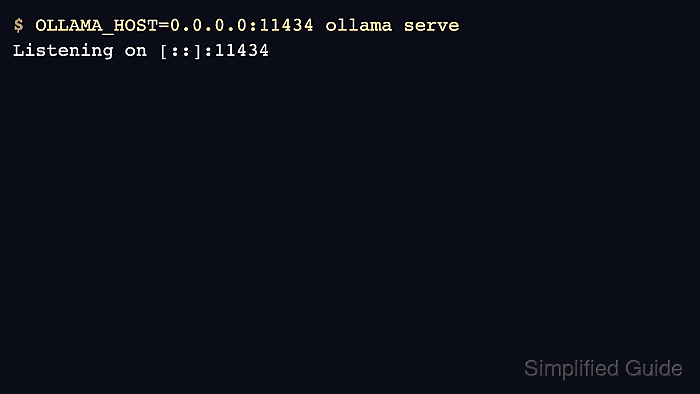
- Test a foreground server with the new host value.
$ OLLAMA_HOST=0.0.0.0:11434 ollama serve
Listening on [::]:11434
- For Linux systemd, add OLLAMA_HOST to the service override.
[Service]
Environment="OLLAMA_HOST=0.0.0.0:11434"
- Reload and restart the service.
$ sudo systemctl daemon-reload
$ sudo systemctl restart ollama
Related: How to manage the Ollama service
- Check the API through the address clients will use.
$ curl -s http://192.0.2.10:11434/api/version
{"version":"0.31.1"}
Use a firewall or proxy rule before exposing the port beyond trusted networks.

Mohd Shakir Zakaria is a cloud architect with deep roots in software development and open-source advocacy. Certified in AWS, Red Hat, VMware, ITIL, and Linux, he specializes in designing and managing robust cloud and on-premises infrastructures.


