Pushing an Ollama model publishes a local model name to ollama.com under an account namespace. It is used for sharing custom models or imported models after the local copy has been created and tested.
The destination name must include the account or organization namespace, and the account must have the required public key or authentication state. Push only models that are safe and licensed for distribution.
The campaign did not push to a real account, so account names are sanitized and push verification remains credential-limited.
Related: How to sign in to Ollama
Related: How to copy an Ollama model
Related: How to create a custom Ollama model
Steps to push an Ollama model:
- Sign in to the account that owns the destination namespace.
$ ollama signin - Copy or create the model with the account namespace.
$ ollama cp example/ok-model exampleuser/ok-model
- Check the namespaced model locally before pushing.
$ ollama list
NAME                    ID              SIZE
exampleuser/ok-model    17052f91a42e    13 GB
- Push the model to ollama.com.
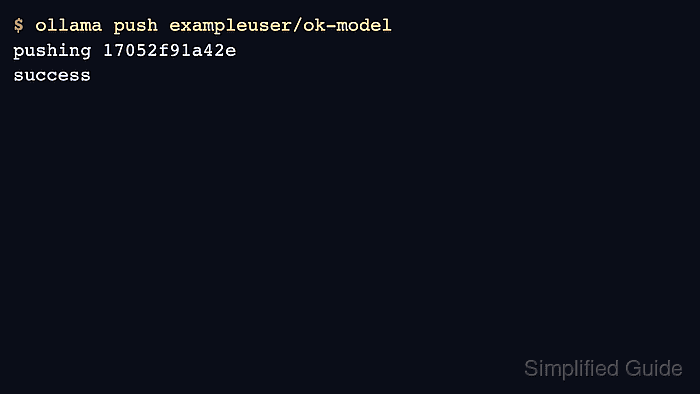
$ ollama push exampleuser/ok-model retrieving manifest pushing 17052f91a42e success - Pull the published model from a clean host or after removing the local copy.
$ ollama pull exampleuser/ok-model
success

Author: Mohd
Shakir Zakaria
Mohd Shakir Zakaria is a cloud architect with deep roots in software development and open-source advocacy. Certified in AWS, Red Hat, VMware, ITIL, and Linux, he specializes in designing and managing robust cloud and on-premises infrastructures.


Mohd Shakir Zakaria is a cloud architect with deep roots in software development and open-source advocacy. Certified in AWS, Red Hat, VMware, ITIL, and Linux, he specializes in designing and managing robust cloud and on-premises infrastructures.