Importing a model brings external GGUF or Safetensors weights into Ollama so the model can be run through the normal CLI and API. The Modelfile describes whether Ollama should load a model file, a directory of weights, or an adapter.
The import source and base model must match the weights. A LoRA or Safetensors adapter built for one base model can behave unpredictably if the Modelfile points at a different base.
Use a small test import before moving large production weights. Model conversion and quantization can consume significant disk and memory.
Related: How to create a custom Ollama model
Related: How to quantize an Ollama model
Related: How to run a model in Ollama
Steps to import a model into Ollama:
- Place the GGUF or Safetensors source in a local directory.
$ ls /srv/models/custom-model
model.gguf
- Create a Modelfile that points at a GGUF model file.
FROM /srv/models/custom-model/model.gguf
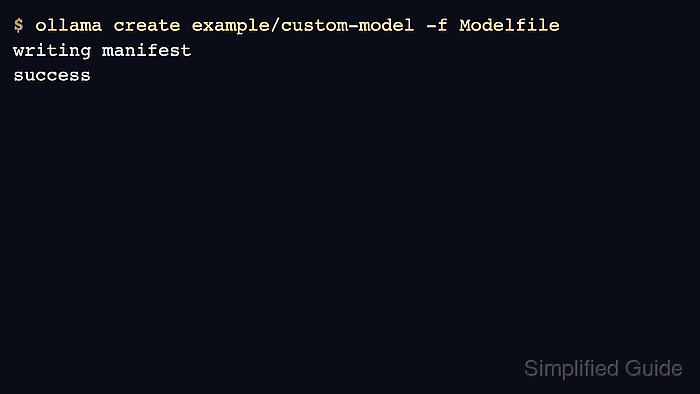
- Create the Ollama model name from the Modelfile.
$ ollama create example/custom-model -f Modelfile
transferring model data
writing manifest
success
- Run the imported model.
$ ollama run example/custom-model "Return OK."
OK
- Inspect the model before publishing or using it in automation.
$ ollama show example/custom-model
  Model
    architecture        llama
##### snipped #####

Author: Mohd
Shakir Zakaria
Mohd Shakir Zakaria is a cloud architect with deep roots in software development and open-source advocacy. Certified in AWS, Red Hat, VMware, ITIL, and Linux, he specializes in designing and managing robust cloud and on-premises infrastructures.


Mohd Shakir Zakaria is a cloud architect with deep roots in software development and open-source advocacy. Certified in AWS, Red Hat, VMware, ITIL, and Linux, he specializes in designing and managing robust cloud and on-premises infrastructures.