Quantizing an Ollama model creates a smaller or faster local model from higher-precision weights. The tradeoff is reduced precision, so the result should be tested against the task it will actually run.
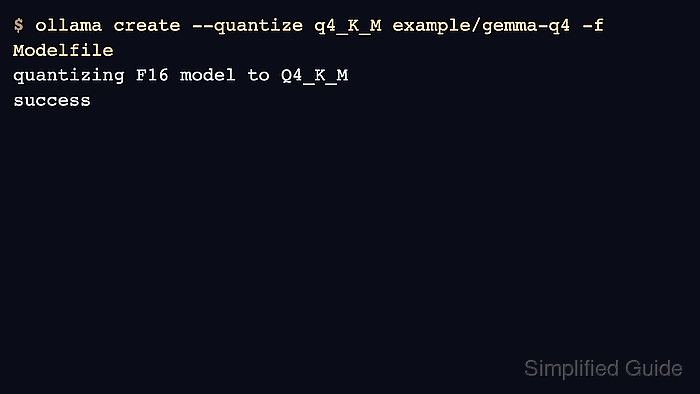
Ollama quantization is handled by ollama create with the --quantize flag when the Modelfile starts from FP16 or FP32 model weights. Common levels include q8_0 and K-means levels such as q4_K_M.
Quantization needs source weights and enough local resources to process them. Do not claim a quantized model is acceptable until it passes a real prompt or evaluation for the workload.
Related: How to import a model into Ollama
Related: How to create a custom Ollama model
Related: How to run a model in Ollama
Steps to quantize an Ollama model:
- Create a Modelfile that points at the high-precision source model.
FROM /srv/models/gemma-f16
- Create a quantized model with the chosen level.
$ ollama create --quantize q4_K_M example/gemma-q4 -f Modelfile
transferring model data
quantizing F16 model to Q4_K_M
writing manifest
success
- Inspect the quantized model metadata.
$ ollama show example/gemma-q4
  Model
    quantization        Q4_K_M
##### snipped #####
- Run a short smoke test.
$ ollama run example/gemma-q4 "Return only OK."
OK
- Keep the source weights until the quantized model passes workload checks.
$ ollama list
NAME              ID              SIZE
example/gemma-q4  735e246cc1ab    4.8 GB

Author: Mohd
Shakir Zakaria
Mohd Shakir Zakaria is a cloud architect with deep roots in software development and open-source advocacy. Certified in AWS, Red Hat, VMware, ITIL, and Linux, he specializes in designing and managing robust cloud and on-premises infrastructures.


Mohd Shakir Zakaria is a cloud architect with deep roots in software development and open-source advocacy. Certified in AWS, Red Hat, VMware, ITIL, and Linux, he specializes in designing and managing robust cloud and on-premises infrastructures.