The api/generate endpoint is the direct text-generation path for a single prompt. It is a good fit for scripts that do not need chat history but still need model options, streaming control, and a JSON response.
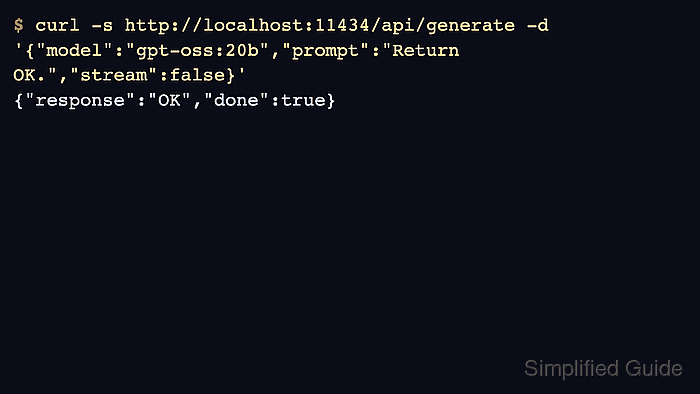
By default, Ollama streams newline-delimited JSON chunks. Set stream to false when the caller wants one complete JSON object that is easier to parse in shell scripts and tests.
Use a small prompt and a low num_predict value for smoke tests. Longer prompts and larger limits belong in application code after the endpoint, model name, and response shape are known to work.
Related: How to check the Ollama API server
Related: How to stream Ollama API responses
Related: How to run a chat request with the Ollama API
Steps to generate text with the Ollama API:
- Confirm the target server is reachable.
$ curl -s http://localhost:11434/api/version
{"version":"0.31.1"}
- Send a non-streaming generation request.
$ curl -s http://localhost:11434/api/generate -d '{
  "model": "gpt-oss:20b",
  "prompt": "Return the word OK and nothing else.",
  "think": "low",
  "stream": false,
  "options": {"num_predict": 24}
}'
{"model":"gpt-oss:20b","response":"OK","thinking":"Just output \"OK\".","done":true}
- Read the final answer from response.
$ python3 - <<'PY' import json payload = {"response": "OK", "done": True} print(payload["response"]) PY OK - Use options for generation behavior that belongs to the request.
$ curl -s http://localhost:11434/api/generate -d '{
  "model": "gpt-oss:20b",
  "prompt": "Return OK.",
  "stream": false,
  "options": {"temperature": 0, "num_predict": 24}
}'
{"response":"OK","done":true}
- Switch to api/chat when the application needs message history.
$ curl -s http://localhost:11434/api/chat -d '{"model":"gpt-oss:20b","messages":[{"role":"user","content":"Reply OK."}],"stream":false}'
{"message":{"role":"assistant","content":"OK"},"done":true}

Author: Mohd
Shakir Zakaria
Mohd Shakir Zakaria is a cloud architect with deep roots in software development and open-source advocacy. Certified in AWS, Red Hat, VMware, ITIL, and Linux, he specializes in designing and managing robust cloud and on-premises infrastructures.


Mohd Shakir Zakaria is a cloud architect with deep roots in software development and open-source advocacy. Certified in AWS, Red Hat, VMware, ITIL, and Linux, he specializes in designing and managing robust cloud and on-premises infrastructures.