How to set Ollama context length
Ollama context length controls how many tokens a loaded model can keep available for a request. Larger contexts help coding, agents, and long-document work, but they also raise memory requirements.
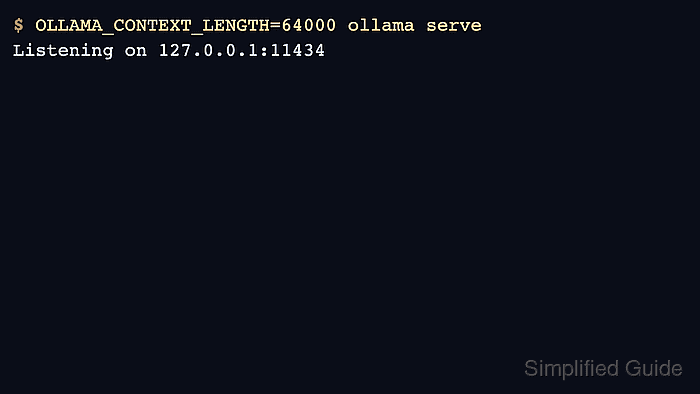
Current Ollama defaults context length based on available VRAM, and the server can be overridden with OLLAMA_CONTEXT_LENGTH. Per-model and per-request settings can still limit or expand behavior for a specific workload.
Check ollama ps after loading a model because it shows the context actually allocated to that running model. The value that matters is the one the server accepted, not only the environment variable that was set.
Related: How to start the Ollama server
Related: How to list running Ollama models
Related: How to set Ollama request parallelism
Steps to set Ollama context length:
- Choose a context length that fits available memory.
$ printf '%s\n' 64000
64000
Long contexts can force CPU offload or model-load failure on small GPUs.
- Start a foreground server with the desired context length for a test.
$ OLLAMA_CONTEXT_LENGTH=64000 ollama serve
- For a systemd service, add the environment variable to the Ollama override.
[Service]
Environment="OLLAMA_CONTEXT_LENGTH=64000"
- Reload systemd and restart Ollama after changing the service override.
$ sudo systemctl daemon-reload
$ sudo systemctl restart ollama
Related: How to manage the Ollama service
- Load a model and check the allocated context.
$ ollama ps
NAME           ID              SIZE     PROCESSOR    CONTEXT    UNTIL
gpt-oss:20b    17052f91a42e    12 GB    100% GPU     64000      5 minutes from now