How to manage Ollama models with the API
Ollama exposes model-management endpoints for automation that cannot shell out to the ollama CLI. The API can list, inspect, pull, copy, create, and delete models through the same local server that handles generation.
Model-management calls can mutate large files under the Ollama model store. Use read-only endpoints first, and reserve pull, copy, create, or delete requests for automation that has an explicit cleanup path.
The local campaign used read-only model endpoints for evidence and kept mutating model operations as documented command examples. That avoids deleting or renaming models that may belong to the host user.
Related: How to list Ollama models
Related: How to pull an Ollama model
Related: How to remove an Ollama model
Related: How to check the Ollama API server
Steps to manage Ollama models with the API:
- List installed models through the API.
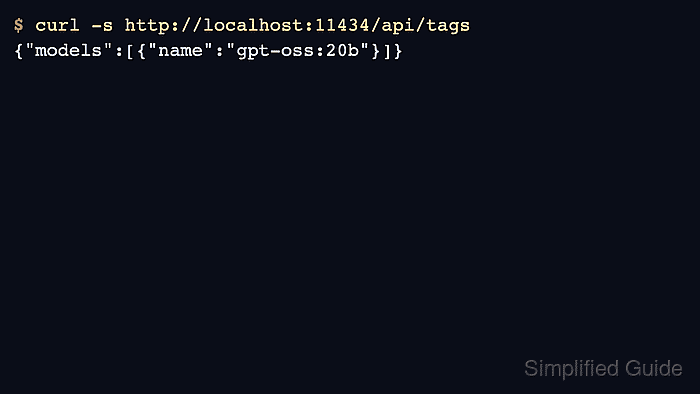
$ curl -s http://localhost:11434/api/tags
{"models":[{"name":"gpt-oss:20b","model":"gpt-oss:20b"}]}
- Inspect a model before automating changes.
$ curl -s http://localhost:11434/api/show -d '{"model":"gpt-oss:20b"}'
{"details":{"family":"gptoss","parameter_size":"20.9B","quantization_level":"MXFP4"}}
- Pull a model through the API when automation owns the model store.
$ curl http://localhost:11434/api/pull -d '{"model":"all-minilm","stream":false}'
{"status":"success"}
Pulling can download large files. Use a small test model only when the validation host can keep or remove it safely.
- Copy a model only when the destination name is intentional.
$ curl http://localhost:11434/api/copy -d '{
  "source": "gpt-oss:20b",
  "destination": "example/gpt-oss-copy"
}'
The campaign did not execute copy operations against the host model store.
- Delete only disposable model names from automation.
$ curl -X DELETE http://localhost:11434/api/delete -d '{"model":"example/gpt-oss-copy"}'
Use ollama list or api/tags after deletion to verify the intended name is gone.