Creating a new tmux window adds another full-screen workspace inside an existing tmux session. It is the clearest way to separate shells, editors, logs, or one-off commands without changing the pane layout in the window you are already using.
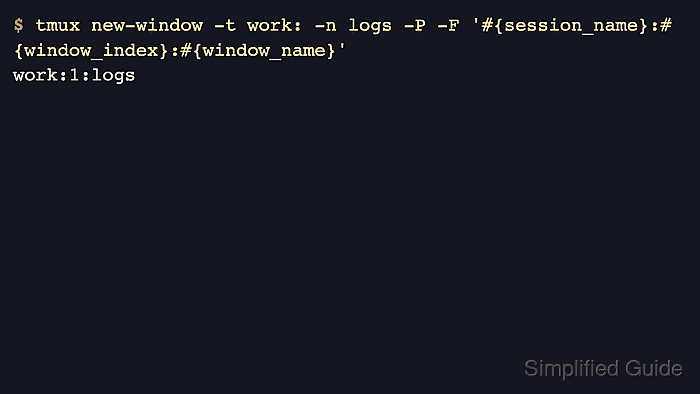
The new-window command creates the window at the next unused index unless you target a specific slot, and -n gives it a predictable label instead of leaving the name to the default shell or running command. When you are already attached to the session, the default shortcut Ctrl+b then c runs the same action in the current session.
Printing the result with -P confirms which session and window index tmux created, and list-windows shows whether the new window became current. The target session must already exist, and if your configuration changes base-index from the default 0, the same workflow still works but the first window number starts at your configured base instead.
Related: How to create a tmux session
Related: How to rename a window in tmux
Steps to create a window in tmux:
- Create the new window in the target session and print the created session and window identifier.
$ tmux new-window -t work: -n logs -P -F '#{session_name}:#{window_index}:#{window_name}'
work:1:logs
The -t work: target tells tmux which session receives the new window, and omitting a window number lets tmux use the next unused index.
If tmux returns can't find session: work, create or attach the session first so there is a real session to receive the new window.
- List the windows in that session to confirm the new window exists and that tmux switched to it.
$ tmux list-windows -t work
0: shell- (1 panes) [80x24] [layout b25d,80x24,0,0,0] @0
1: logs* (1 panes) [80x24] [layout b25e,80x24,0,0,1] @1 (active)
The asterisk marks the current window, and sessions that keep the default base-index start numbering at 0.
- Add -d when the new window should open in the background and leave the current window selected.
$ tmux new-window -d -t work: -n app -P -F '#{window_index}:#{window_name}'
2:app
Add -c /path/to/project when the new window should start in a specific working directory instead of inheriting the current one.
- List the windows again to confirm that the detached window exists without becoming current.
$ tmux list-windows -t work
0: shell- (1 panes) [80x24] [layout b25d,80x24,0,0,0] @0
1: logs* (1 panes) [80x24] [layout b25e,80x24,0,0,1] @1 (active)
2: app (1 panes) [80x24] [layout b25f,80x24,0,0,2] @2
The asterisk stays on logs after -d creates app, which confirms that tmux added the window without switching to it.
Related: How to move a window in tmux
Related: How to attach to a tmux session

Mohd Shakir Zakaria is a cloud architect with deep roots in software development and open-source advocacy. Certified in AWS, Red Hat, VMware, ITIL, and Linux, he specializes in designing and managing robust cloud and on-premises infrastructures.


