Configuring retention in Tempo controls how long trace blocks stay in object storage before the compactor removes them. Retention protects storage cost and compliance boundaries while keeping recent traces available for incident review.
Tempo retention is managed by the compactor configuration. The common setting is the trace block retention period, which should match the environment's policy and the amount of trace history operators expect to query.
Validate retention with a shortened window only in staging or a temporary namespace. Production retention behavior takes time to prove because expired blocks are removed by background compaction rather than by an immediate API call.
Steps to configure retention in Tempo:
- Confirm Tempo is using object storage.
$ helm get values tempo --namespace monitoring
##### snipped #####
storage:
  trace:
    backend: s3
Retention is meaningful for production when trace blocks are in durable object storage.
Related: How to configure object storage for Tempo - Add compactor retention settings to the Tempo values file.
- tempo-retention.yaml
tempo:
  compactor:
    compaction:
      block_retention: 336h
      compacted_block_retention: 1h
336h is 14 days. Use the trace retention period approved for the environment.
- Render the Tempo release before applying the change.
$ helm template tempo grafana/tempo-distributed \
  --namespace monitoring \
  --values tempo-storage.yaml \
  --values tempo-retention.yaml
##### snipped #####
block_retention: 336h
- Upgrade Tempo with the retention values.
$ helm upgrade --install tempo grafana/tempo-distributed \
  --namespace monitoring \
  --values tempo-storage.yaml \
  --values tempo-retention.yaml \
  --wait --timeout 15m
Release "tempo" has been upgraded. Happy Helming!
- Check Tempo readiness after the upgrade.
$ curl --silent https://traces.example.com/ready
ready
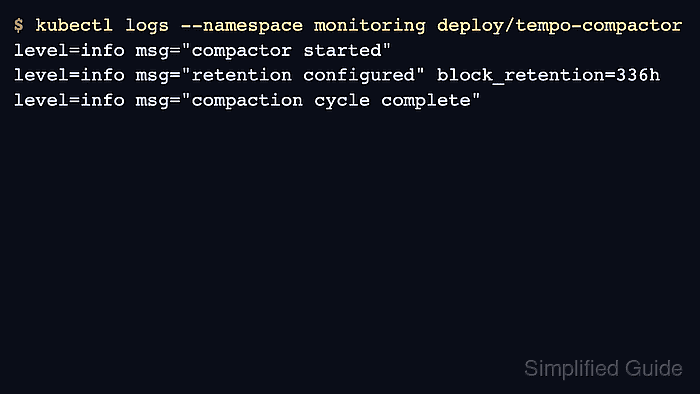
- Check compactor logs for startup and retention settings.
$ kubectl logs --namespace monitoring deploy/tempo-compactor
level=info msg="compactor started"
level=info msg="retention configured" block_retention=336h
- Send or find a recent trace.
$ curl --silent --show-error --include --request POST \
  https://otel.example.com/v1/traces \
  --header 'Content-Type: application/json' \
  --data @trace.json
HTTP/2 200
- Retrieve the recent trace by ID.
$ curl --silent https://traces.example.com/api/v2/traces/<trace-id> { "traceID": "<trace-id>", "rootServiceName": "checkout-api" } - Check object storage for compacted blocks.
$ aws s3 ls s3://lgtm-tempo-prod/ --recursive
2026-06-21 09:20:00      2048 single-tenant/01JY9ABCD/meta.json
2026-06-21 09:20:00     32768 single-tenant/01JY9ABCD/data.parquet
- Record a scheduled retention proof instead of waiting in the shell.
$ cat tempo-retention-proof.txt
retention_period=336h
recent_trace_lookup=pass
compactor_logs=pass
expired_block_check=scheduled
Use a staging namespace with a short retention period for a full delete proof. Do not shorten production retention just to make a test finish quickly.

Mohd Shakir Zakaria is a cloud architect with deep roots in software development and open-source advocacy. Certified in AWS, Red Hat, VMware, ITIL, and Linux, he specializes in designing and managing robust cloud and on-premises infrastructures.


