A Screen session should be detached when a job, shell, or editor must survive closing the terminal or losing an SSH connection. Detaching removes only the current display from the session, leaving the session process and its windows running in the background.
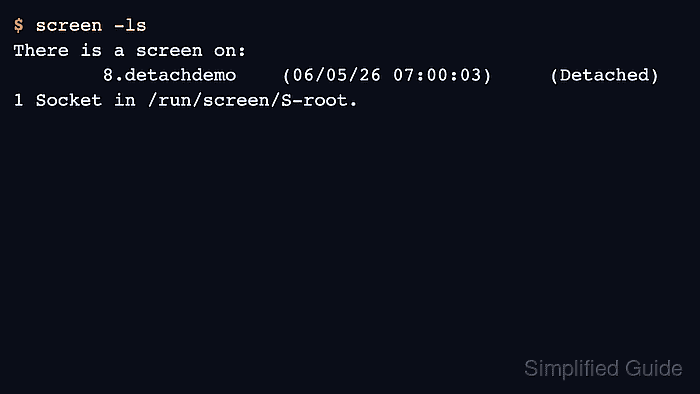
The default key sequence is C-a d, which means press Ctrl+a, release it, and then press d. A successful detach prints a detached from message and returns to the parent shell where screen -ls can confirm the session state.
Detach is not the same as quitting a session. Use detach for work that should continue unattended, and use a kill or quit action only when the session and every program inside it should stop.
Steps to detach from a Screen session:
- Press the default detach key inside the active Screen session.
C-a d
If the Screen prefix was changed, use the configured prefix followed by d instead.
- Confirm that the terminal returned to the parent shell.
[detached from 8.detachdemo]
The session name or numeric prefix can differ, but the detach message means the current display is no longer controlling that Screen session.
- List Screen sessions from the parent shell.
$ screen -ls
There is a screen on:
	8.detachdemo	(06/05/26 07:00:03)	(Detached)
1 Socket in /run/screen/S-root.
The Detached state means the session is still available for later attach and has no currently attached display. If another terminal is still sharing the same session, the list can continue to show Attached after the current display detaches.
- Reattach later when the work should be resumed.
$ screen -r detachdemo
Use the name shown after the process prefix in screen -ls.