XPath selectors in Scrapy are useful when extraction depends on parent-child structure, attribute tests, or text cleanup that would be awkward to express with CSS alone. Testing the XPath against a real response before adding it to a spider keeps extraction logic smaller and makes selector drift easier to catch.
Each Scrapy TextResponse exposes response.xpath() and returns a SelectorList that can be filtered again or converted into values with get() and getall(). That makes it practical to test one XPath in scrapy shell, confirm the returned nodes and text, and move the same expression into a spider callback with minimal changes.
XPath runs against the downloaded HTML or XML response body, not a browser-rendered DOM, and absolute expressions inside a nested selector jump back to the document root. Relative selectors such as @href or .//img/@src keep extraction scoped to the node already selected, and XML namespaces may need explicit handling before bare element names will match.
Related: How to use Scrapy shell
Related: How to use CSS selectors in Scrapy
Tool: XPath Tester
Steps to use XPath selectors in Scrapy:
- Start scrapy shell with the Scrapy selector sample page.
$ scrapy shell 'https://docs.scrapy.org/en/latest/_static/selectors-sample1.html' --nolog
[s] Available Scrapy objects:
[s]   response   <200 https://docs.scrapy.org/en/latest/_static/selectors-sample1.html>
[s] Useful shortcuts:
[s]   fetch(url[, redirect=True]) Fetch URL and update local objects (by default, redirects are followed)
##### snipped #####
>>>
The shell exposes the fetched page as response, so the same XPath can move into parse() after it is verified.
- Confirm the response contains the expected document before extracting repeated nodes.
>>> response.xpath("//title/text()").get()
'Example website'
get() returns the first match, or None when nothing matches, while getall() always returns a list.
- Select the repeated anchor elements into a list and confirm the XPath matches the expected number of nodes.
>>> links = response.xpath("//div[@id='images']/a")
>>> len(links)
5
response.xpath() returns a SelectorList, so the result can be narrowed again without re-selecting nodes in Python.
- Extract cleaned text from the matched elements with a relative XPath that collapses nested tags into one string.
>>> links.xpath("normalize-space(.)").getall()
['Name: My image 1', 'Name: My image 2', 'Name: My image 3', 'Name: My image 4', 'Name: My image 5']
normalize-space(.) reads the full element text and trims extra whitespace, which is usually safer than text() when the element includes nested tags such as <br> or <strong>.
- Extract attribute values from the matched elements with a relative XPath.
>>> links.xpath("@href").getall()
['image1.html', 'image2.html', 'image3.html', 'image4.html', 'image5.html']
@href stays relative to each matched <a> node, so it returns only the attribute values for the nodes already stored in links.
- Bind a variable into the XPath expression when one selector value should stay configurable.
>>> response.xpath("//div[@id=$val]/a[1]/@href", val="images").get()
'image1.html'
Named arguments become XPath variables, which keeps reusable selectors cleaner than rebuilding the query string by hand.
- Save the verified XPath selectors in a spider so each matched element yields a cleaned label and absolute URL.
xpath_selectors_spider.py>import scrapy


class XPathSelectorsSpider(scrapy.Spider):
    name = "xpath-selectors"
    start_urls = [
        "https://docs.scrapy.org/en/latest/_static/selectors-sample1.html",
    ]

    def parse(self, response):
        for link in response.xpath("//div[@id='images']/a"):
            href = link.xpath("@href").get()
            yield {
                "label": link.xpath("normalize-space(.)").get(),
                "href": response.urljoin(href) if href else None,
            }
Related: How to create a Scrapy spider
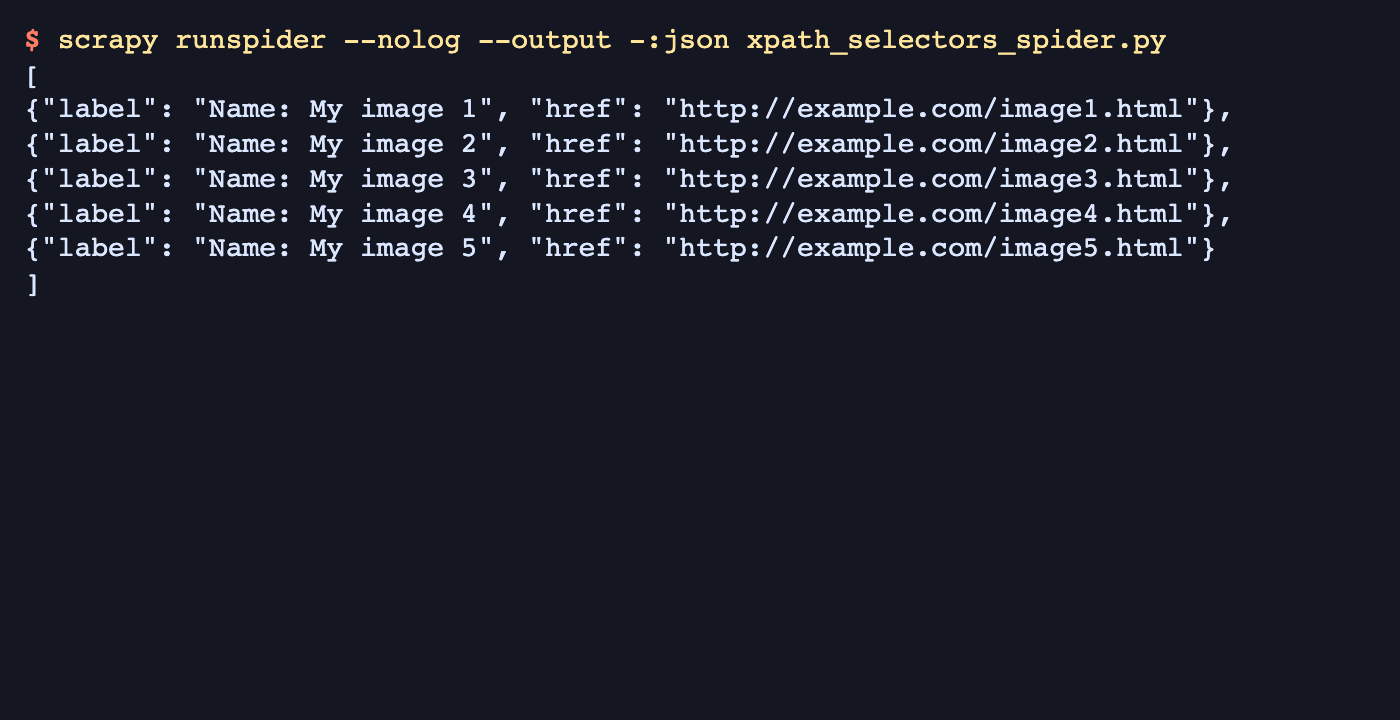
- Run the spider and confirm the exported items contain the expected text and resolved URLs.
$ scrapy runspider --nolog --output -:json xpath_selectors_spider.py
[
{"label": "Name: My image 1", "href": "http://example.com/image1.html"},
{"label": "Name: My image 2", "href": "http://example.com/image2.html"},
{"label": "Name: My image 3", "href": "http://example.com/image3.html"},
{"label": "Name: My image 4", "href": "http://example.com/image4.html"},
{"label": "Name: My image 5", "href": "http://example.com/image5.html"}
]
Empty items or relative URLs in the output usually mean the container XPath, relative field XPath, or response.urljoin() handling still needs adjustment before the selector is reused on a real site.

Mohd Shakir Zakaria is a cloud architect with deep roots in software development and open-source advocacy. Certified in AWS, Red Hat, VMware, ITIL, and Linux, he specializes in designing and managing robust cloud and on-premises infrastructures.


