Open WebUI local accounts let an administrator give someone access to the self-hosted chat workspace without connecting an external identity provider. The local-account path fits small teams, lab systems, and onboarding checks where the account should appear in the admin user list before it can use the application.
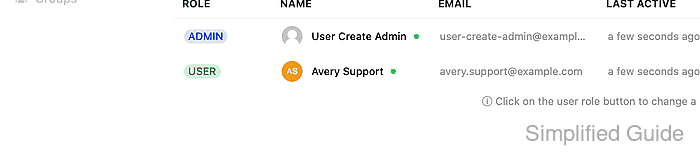
The local-account flow creates users through the public sign-up form and administrator approval. The administrator can temporarily enable new sign-ups, let the person register with a temporary password, and then promote the pending account from Admin Panel → Users.
The User role grants standard workspace access, while Admin gives system-wide control. Use Pending as the approval state, keep administrator accounts separate from normal user testing, and add group or resource permissions only after the account can sign in.
Related: How to create an RBAC group in Open WebUI
Related: How to disable a user in Open WebUI
Steps to create an Open WebUI user:
- Sign in to Open WebUI with an administrator account and open Admin Panel → Settings → Authentication.
- Switch on Enable New Sign Ups and click Save.
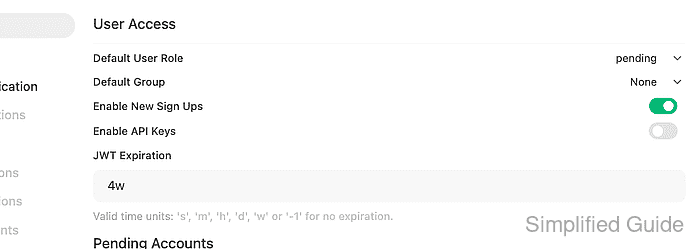
Leave sign-ups enabled only for the account request window on private instances. Anyone who can reach the sign-up page can request an account while this setting is on.
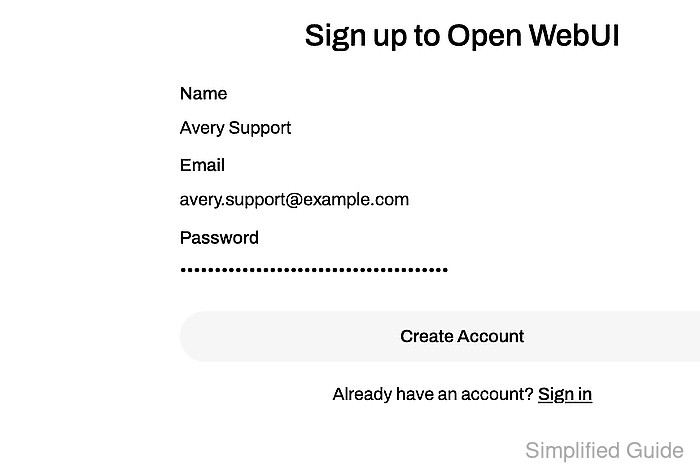
- Open Open WebUI in a logged-out or private browser session, enter the user's name, email address, and temporary password, then click Create Account.
- Return to the administrator session and open Admin Panel → Users. Confirm the new account appears with the PENDING role.
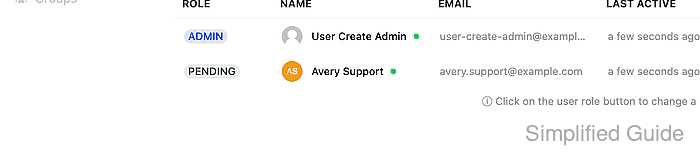
If Default User Role is set to User, the account may skip the pending state. Keep pending for approval-controlled onboarding.
- Click the user's role badge, set Role to User, and click Save.
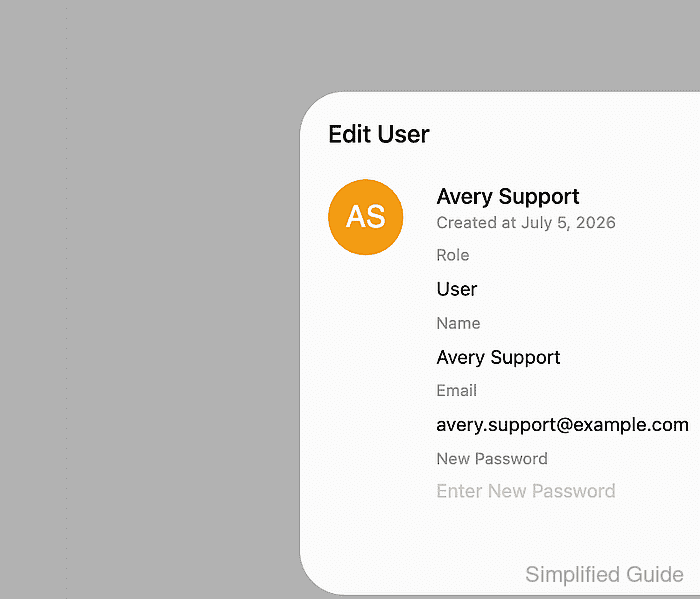
Use Admin only for people who should manage global settings, users, providers, tools, and system configuration.
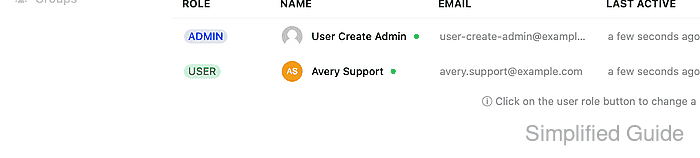
- Confirm the users table shows the account with the USER role.
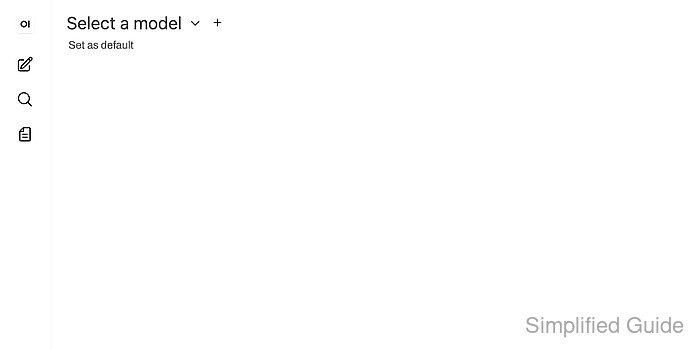
- Sign in as the new user with the temporary password and confirm the normal Open WebUI workspace loads.
Disable Enable New Sign Ups again if registration was opened only for this account.
Related: How to disable signup in Open WebUI

Mohd Shakir Zakaria is a cloud architect with deep roots in software development and open-source advocacy. Certified in AWS, Red Hat, VMware, ITIL, and Linux, he specializes in designing and managing robust cloud and on-premises infrastructures.


