Open WebUI signup controls whether visitors can create local accounts from the public sign-in page. Closing local registration is useful after the first administrator exists, before moving users to SSO or LDAP, or when a private instance should accept only administrator-created accounts.
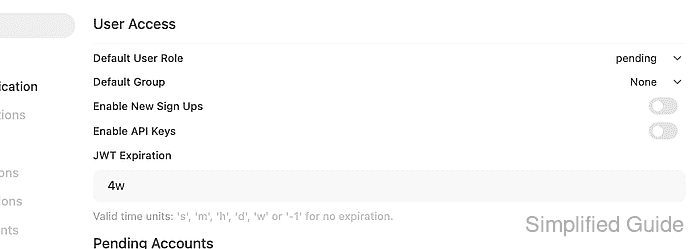
The active control is Enable New Sign Ups under Admin Panel → Settings → Authentication. ENABLE_SIGNUP is also a persistent ConfigVar, so a value saved in the admin panel can override a later environment-variable change on an existing data volume.
Disabling signup removes the public sign-up option and rejects direct registration requests. It does not disable the login form, remove existing accounts, or prevent administrators from creating users from the admin panel.
Steps to disable Open WebUI signup:
- Sign in to Open WebUI with an administrator account.
- Open Admin Panel → Settings → Authentication.
- Switch off Enable New Sign Ups and click Save.
Fresh installations automatically disable signup after the first administrator account is created. On an existing deployment, use the admin panel when possible because persisted settings can override later ENABLE_SIGNUP environment-variable changes.
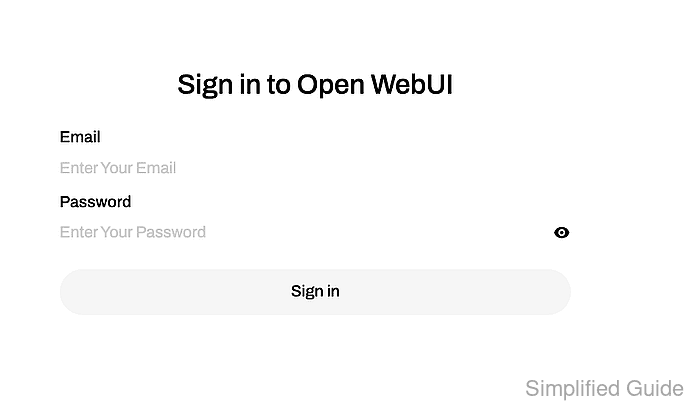
- Open Open WebUI in a logged-out browser session and confirm the page only offers Sign in.
- Check the public configuration endpoint for the signup flag.
$ curl --silent --show-error "https://openwebui.example.com/api/config" { "status": true, "features": { "auth": true, "enable_login_form": true, "enable_signup": false, ##### snipped ##### }, ##### snipped ##### } - Attempt a test registration and confirm the request is rejected.
$ curl --include --silent --show-error --request POST "https://openwebui.example.com/api/v1/auths/signup" \
  --header "Content-Type: application/json" \
  --data '{"name":"Blocked Registration","email":"blocked.registration@example.com","password":"<password>"}'
HTTP/1.1 403 Forbidden
content-type: application/json

{"detail":"You do not have permission to access this resource. Please contact your administrator for assistance."}
Use a disposable address that is not already an Open WebUI user. A rejected request should not create a pending account.
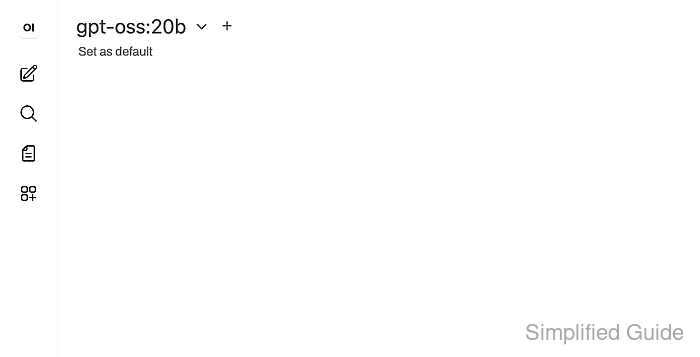
- Sign in with an existing account and confirm the normal Open WebUI workspace still loads.

Mohd Shakir Zakaria is a cloud architect with deep roots in software development and open-source advocacy. Certified in AWS, Red Hat, VMware, ITIL, and Linux, he specializes in designing and managing robust cloud and on-premises infrastructures.


