Ollama allowed origins control which browser origins can call the local API from web pages. This matters when a local web app, extension, or development frontend needs browser-based access to localhost:11434.
Set OLLAMA_ORIGINS on the server process before Ollama starts. Use specific origins for development apps instead of broad wildcards on shared machines.
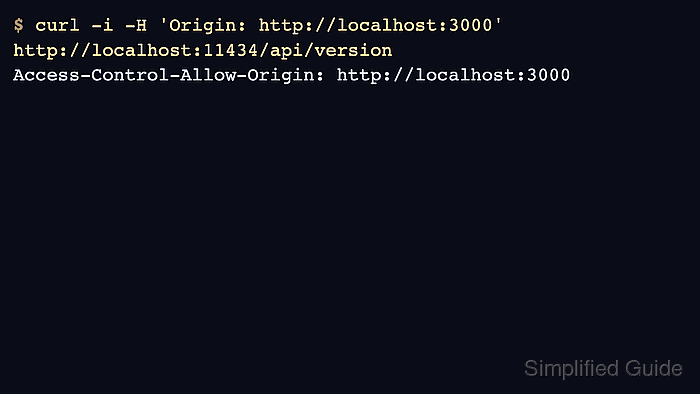
CORS settings affect browser enforcement, not ordinary CLI tools such as curl. Verify with an Origin header and the browser app that will use the API.
Related: How to set the Ollama host address
Related: How to manage the Ollama service
Related: How to check the Ollama API server
Steps to set allowed origins in Ollama:
- Choose the exact browser origins that should be allowed.
$ printf '%s\n' 'http://localhost:3000,https://app.example.com'
http://localhost:3000,https://app.example.com
- Test a foreground server with OLLAMA_ORIGINS.
$ OLLAMA_ORIGINS=http://localhost:3000 ollama serve
- For Linux systemd, add the origin list to the service override.
[Service]
Environment="OLLAMA_ORIGINS=http://localhost:3000,https://app.example.com"
- Reload and restart Ollama.
$ sudo systemctl daemon-reload
$ sudo systemctl restart ollama
Related: How to manage the Ollama service
- Send a browser-like request with an Origin header.
$ curl -i -H 'Origin: http://localhost:3000' http://localhost:11434/api/version
HTTP/1.1 200 OK
Access-Control-Allow-Origin: http://localhost:3000
##### snipped #####

Author: Mohd
Shakir Zakaria
Mohd Shakir Zakaria is a cloud architect with deep roots in software development and open-source advocacy. Certified in AWS, Red Hat, VMware, ITIL, and Linux, he specializes in designing and managing robust cloud and on-premises infrastructures.


Mohd Shakir Zakaria is a cloud architect with deep roots in software development and open-source advocacy. Certified in AWS, Red Hat, VMware, ITIL, and Linux, he specializes in designing and managing robust cloud and on-premises infrastructures.