Removing Ollama from macOS requires deleting both the application and the user data locations that store models, logs, caches, and saved app state. Deleting only Ollama.app leaves downloaded models behind.
Model files under ~/.ollama can be tens or hundreds of gigabytes. Back up or move that directory before removal when the models or Modelfiles are needed later.
Quit the app before deleting files so the server does not recreate state while cleanup is running.
Related: How to back up and restore Ollama data
Related: How to install Ollama on macOS
Related: How to list Ollama models
Steps to uninstall Ollama on macOS:
- Quit the Ollama app.
$ osascript -e 'quit app "Ollama"'
- Remove the application bundle and CLI link.
$ sudo rm -rf /Applications/Ollama.app
$ sudo rm -f /usr/local/bin/ollama
- Remove application support and saved app state.
$ rm -rf "$HOME/Library/Application Support/Ollama"
$ rm -rf "$HOME/Library/Saved Application State/com.electron.ollama.savedState"
- Remove caches and WebKit data.
$ rm -rf "$HOME/Library/Caches/com.electron.ollama"
$ rm -rf "$HOME/Library/Caches/ollama"
$ rm -rf "$HOME/Library/WebKit/com.electron.ollama"
- Remove downloaded models and local Ollama config only after backup decisions are complete.
$ rm -rf "$HOME/.ollama"
This removes models, logs, and local configuration for the user.
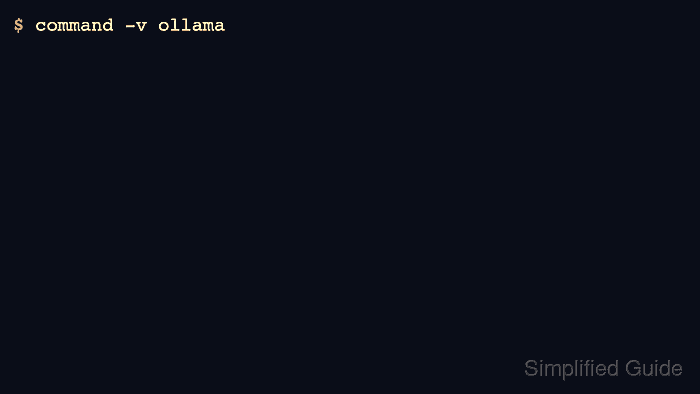
- Verify the CLI no longer resolves.
$ command -v ollama

Author: Mohd
Shakir Zakaria
Mohd Shakir Zakaria is a cloud architect with deep roots in software development and open-source advocacy. Certified in AWS, Red Hat, VMware, ITIL, and Linux, he specializes in designing and managing robust cloud and on-premises infrastructures.


Mohd Shakir Zakaria is a cloud architect with deep roots in software development and open-source advocacy. Certified in AWS, Red Hat, VMware, ITIL, and Linux, he specializes in designing and managing robust cloud and on-premises infrastructures.