Ollama on macOS is distributed as a desktop application that also provides the ollama command-line client. The app manages the local server while the CLI lets terminal workflows use the same models and API.
Current requirements are macOS Sonoma or newer, with Apple M series Macs receiving CPU and GPU support and Intel Macs using CPU-only support. Model storage can grow quickly, so check free disk space before pulling large models.
The preferred install path is to mount the DMG, drag Ollama.app into Applications, start it, and allow the app to create the CLI link when prompted.
Related: How to uninstall Ollama on macOS
Related: How to check the Ollama version
Related: How to pull an Ollama model
Steps to install Ollama on macOS:
- Download the macOS installer from the official Ollama download page.
$ open https://ollama.com/download
- Mount the DMG and drag Ollama.app into /Applications.
$ open ~/Downloads/Ollama.dmg
Use Finder for the drag-and-drop install.
- Launch Ollama.app and allow the CLI link when prompted.
$ open -a Ollama
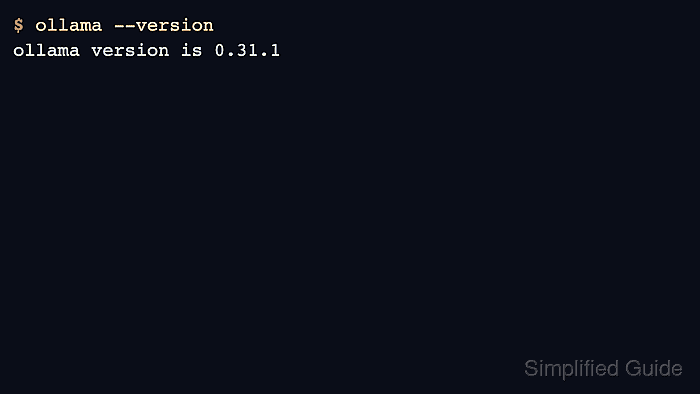
- Open a new terminal and check the CLI version.
$ ollama --version ollama version is 0.31.1 - Check the local API endpoint.
$ curl -s http://localhost:11434/api/version
{"version":"0.31.1"}

Mohd Shakir Zakaria is a cloud architect with deep roots in software development and open-source advocacy. Certified in AWS, Red Hat, VMware, ITIL, and Linux, he specializes in designing and managing robust cloud and on-premises infrastructures.


