Uninstalling Ollama on Linux removes the service, binary, libraries, service account, and downloaded model data. Model data can be large and may be the only local copy of custom or pulled models, so decide what to preserve before removing directories.
The official uninstall steps stop and disable the service, remove the systemd unit, remove libraries and binary paths, and delete the service user and data directory. Run checks between destructive steps so a wrong path does not remove unrelated files.
Back up /usr/share/ollama or the active OLLAMA_MODELS directory before removing data that may need to be restored later.
Related: How to back up and restore Ollama data
Related: How to manage the Ollama service
Related: How to install Ollama on Linux
Steps to uninstall Ollama on Linux:
- Check where the active Ollama binary resolves.
$ command -v ollama
/usr/local/bin/ollama
- Stop and disable the service.
$ sudo systemctl stop ollama
$ sudo systemctl disable ollama
Related: How to manage the Ollama service
- Remove the systemd service file.
$ sudo rm -f /etc/systemd/system/ollama.service
$ sudo systemctl daemon-reload
- Remove the Ollama libraries and binary.
$ sudo rm -rf /usr/local/lib/ollama /usr/lib/ollama /lib/ollama
$ sudo rm -f /usr/local/bin/ollama /usr/bin/ollama /bin/ollama
Confirm paths before running on systems with custom installs.
- Remove model data and the service account only after backup decisions are complete.
$ sudo rm -rf /usr/share/ollama
$ sudo userdel ollama
$ sudo groupdel ollama
This deletes downloaded model data for the service install.
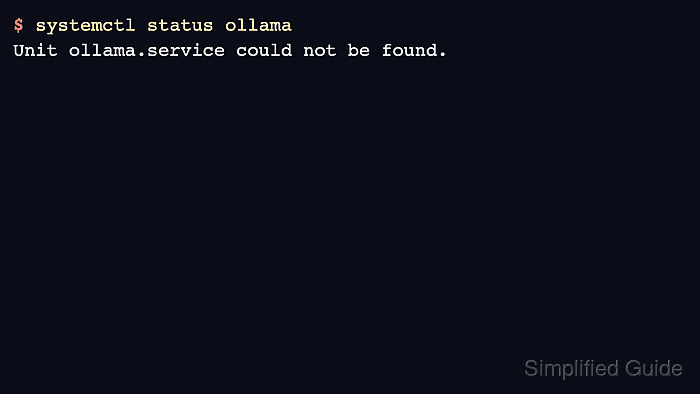
- Verify the command and service are gone.
$ command -v ollama
$ systemctl status ollama
Unit ollama.service could not be found.

Mohd Shakir Zakaria is a cloud architect with deep roots in software development and open-source advocacy. Certified in AWS, Red Hat, VMware, ITIL, and Linux, he specializes in designing and managing robust cloud and on-premises infrastructures.


