How to detach from a tmux session
Detach a tmux session before closing a terminal, changing workstations, or ending an SSH connection when the work inside the session must keep running. Detach removes only the current client connection, so shells, editors, builds, and log watchers stay inside the tmux server.
The default detach key is C-b d, which means press Ctrl+b, release it, and then press d. In the default prefix table, that key runs detach-client for the attached client, prints a detach message in the parent shell, and leaves the session available for later attach.
Detach is different from closing a pane, exiting a shell, or killing a session. Use it when the programs should continue without the current terminal, and verify afterward with list-sessions when several terminals may be attached to the same session.
Related: How to list tmux sessions
Related: How to attach to a tmux session
Related: How to kill a tmux session
Steps to detach from a tmux session:
- Press the default detach key inside the active tmux session.
C-b d
If the tmux prefix has been changed, use the configured prefix followed by d instead.
- Confirm that the terminal returned to the parent shell.
[detached (from session detachdemo)]
The session name can differ, but the detach message means the current terminal is no longer controlling that tmux session.
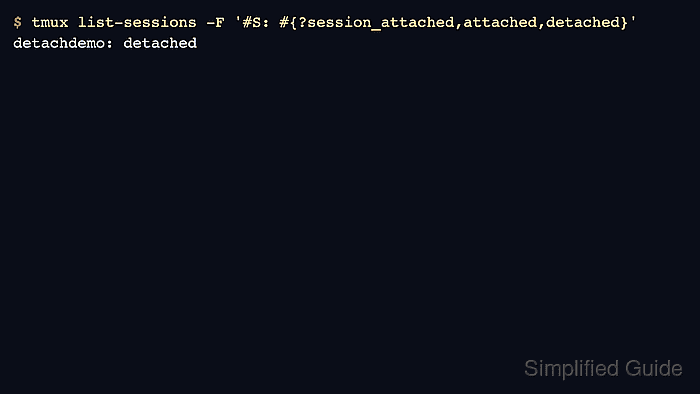
- List sessions with their attached state to confirm that the session still exists.
$ tmux list-sessions -F '#{session_name}: #{session_windows} windows (#{?session_attached,attached,detached})'
detachdemo: 1 windows (detached)
Detached means no client is currently attached to that session. If another terminal is still sharing the same session, this field can show attached after the current client detaches.
Related: How to list tmux sessions
- Reattach later when the background work should be resumed.
$ tmux attach-session -t detachdemo
Use the session name shown by list-sessions as the -t target.
Related: How to attach to a tmux session