How to add a node to Selenium Grid
A Selenium Grid node adds browser capacity to an existing Grid without replacing the Hub or changing the client URL used by tests. Add a node when sessions are queued, a new browser type is needed, or a separate worker host should run browser sessions while the Grid router remains the single entry point.
In Hub and Node mode, the Hub exposes the WebDriver router on port 4444 and the Event Bus on ports 4442 and 4443. A node registers through that Event Bus and advertises its browser slots, then the Hub routes matching WebDriver sessions to the new node.
A Docker-based Hub and node can run on one shared Docker network with the official selenium/hub and selenium/node-firefox images. Keep the Hub and node on the same Selenium image tag, give browser containers enough shared memory, and verify both registration and session creation before sending a full test suite to the expanded Grid.
Related: How to run Selenium Grid in Docker
Related: How to connect to a remote Selenium WebDriver
Related: How to run Selenium tests in parallel
Steps to add a Firefox node to Selenium Grid:
- Create a Docker network for the Hub and node containers.
$ docker network create selenium-grid
1486507e49ba157a7fbbc747344ceeda29a7a08c11c567c0e3bbfc7ae4833e69
The shared Docker network lets the node resolve selenium-hub by container name while keeping the Grid components isolated from unrelated containers.
- Start the Selenium Hub on the shared network.
$ docker run -d \
  -p 4442-4444:4442-4444 \
  --network selenium-grid \
  --name selenium-hub \
  selenium/hub:4.44.0-20260505
bfcc694e256649728a27205f0e46ebf85d8dffcdb3a3a73c12237e79db511b19
Ports 4442 and 4443 carry Event Bus traffic for node registration. Port 4444 is the Grid router used by status checks and WebDriver clients.
- Start the Firefox node with the Hub as its Event Bus host.
$ docker run -d \
  --network selenium-grid \
  -e SE_EVENT_BUS_HOST=selenium-hub \
  --shm-size=2g \
  --name selenium-node-firefox \
  selenium/node-firefox:4.44.0-20260505
e59a7644b84f8ef0071313f5a611a09f33680c4df65b8c43d00dd1051f7a5fb1
Use the matching node image for the browser slot needed by the suite, such as selenium/node-chrome, selenium/node-edge, or selenium/node-firefox. When a node runs on another host, publish a unique node port and set SE_NODE_HOST to the address the Hub can reach.
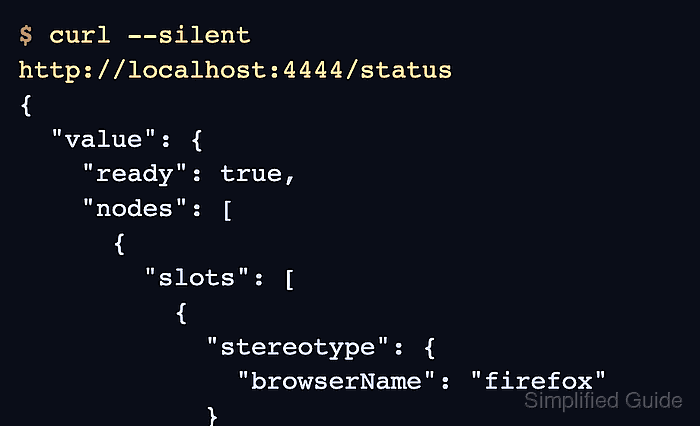
- Check the Grid status endpoint for the registered node.
$ curl --silent http://localhost:4444/status
{
  "value": {
    "ready": true,
    "nodes": [
      {
        "slots": [
          {
            "stereotype": {
              "browserName": "firefox",
              "platformName": "linux"
            }
          }
        ],
        "availability": "UP"
      }
    ],
    "message": "Selenium Grid ready."
  }
}
ready should be true, and the node entry should show a slot for the browser requested by the test suite.
- Request a Firefox WebDriver session through the Grid router.
$ curl --silent --request POST http://localhost:4444/session \
  --header "Content-Type: application/json" \
  --data '{"capabilities":{"alwaysMatch":{"browserName":"firefox"}}}'
{
  "value": {
    "sessionId": "8284d370-06db-4985-91c6-b683bc744efe",
    "capabilities": {
      "browserName": "firefox",
      "browserVersion": "151.0.1",
      "platformName": "linux"
      ##### snipped #####
    }
  }
}
A minimal WebDriver request confirms that the Hub can allocate a real browser session on the added node without requiring a language-specific Selenium client.
- Delete the smoke-test session.
$ curl --silent --request DELETE http://localhost:4444/session/8284d370-06db-4985-91c6-b683bc744efe
{"value":null}
An abandoned smoke-test session can occupy the node slot until the Grid session timeout expires.
- Stop the node and Hub containers when the temporary Grid is no longer needed.
$ docker rm -f selenium-node-firefox selenium-hub
selenium-node-firefox
selenium-hub
- Remove the Docker network after the Grid containers are gone.
$ docker network rm selenium-grid
selenium-grid