How to select a window in Screen
Several active Screen windows can look alike when shells, log views, and monitors share one session. Select the target window before typing commands so input reaches the intended shell without changing the session, detaching, or rearranging regions.
Screen identifies windows by a number and an optional title. With the default C-a prefix, use C-a " for the interactive list, C-a 1 for a direct numeric switch, or C-a ' for the select prompt.
Window numbers belong to one Screen session, and titles are only as clear as the names assigned when the windows were created or renamed. The verified environment used GNU Screen 4.09.01 on Ubuntu 26.04; detached query commands can confirm numbers and titles, but the selected window is a property of an attached Screen display.
Related: How to attach to a Screen session
Related: How to create a window in Screen
Related: How to rename a window in Screen
Steps to select a Screen window:
- List the windows in the target session before choosing one.
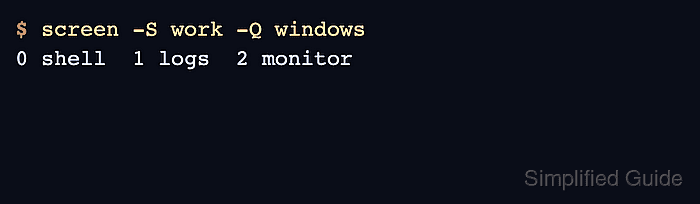
$ screen -S work -Q windows
0 shell  1 logs  2 monitor
Use the session name from screen -ls when the session is not named work. Inside an attached session, C-a " opens the interactive list without leaving Screen.
- Open the interactive window list from the attached Screen display.
C-a "
Move with the arrow keys or j and k, then press Enter or Space to select the highlighted window. Related: How to change the Screen prefix key
- Switch directly to a numbered window when the target number is already known.
C-a 1
Replace 1 with the target window number. The default number bindings cover 0 through 9.
- Prompt for a window identifier when a title is easier to remember than a number.
C-a '
logs
Type the window title or number at the prompt and press Enter. In the verified session, typing logs selected window 1.
- Move to the next window when the target is adjacent.
C-a n
Use C-a p to move to the previous window instead.
- Return to the previously displayed window after checking another one.
C-a C-a
other toggles back to the last displayed window, which is useful after a quick look at a log or monitor window.
- Confirm the selected window from the Screen message line or status line.
C-a N
Screen should report the current number and title, such as 1 (logs), after the switch.