How to list Screen sessions
When more than one Screen session belongs to the same account, attaching by memory can take over the wrong shell or leave a detached job unnoticed. Listing sessions first shows the process-qualified session ID, the chosen name, and whether Screen marks the session as detached, attached, multi, dead, or unreachable.
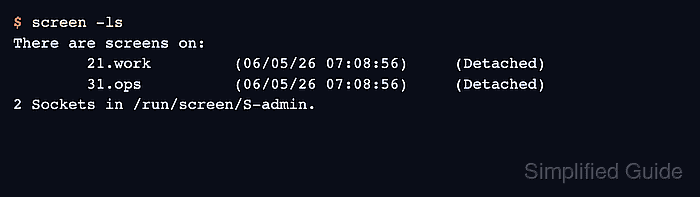
The screen -ls and screen -list forms print the current user's Screen socket directory without starting a new session. A row such as 21.work combines the process ID with the session name set by screen -S work, and the state in parentheses tells whether a normal screen -r attach is safe.
The command output below was verified in an Ubuntu 26.04 container with two detached sessions owned by admin. Run the list from the same user account that created the sessions, because root, sudo, and other users have separate Screen socket directories.
Related: How to create a Screen session
Related: How to attach to a Screen session
Related: How to kill a Screen session
Steps to list Screen sessions:
- List the Screen sessions for the current user.
$ screen -ls
There are screens on:
        21.work         (06/05/26 07:08:56)     (Detached)
        31.ops          (06/05/26 07:08:56)     (Detached)
2 Sockets in /run/screen/S-admin.
The socket directory at the bottom belongs to the account running the command. If the expected session is missing, repeat the command as the user that created it instead of attaching by guesswork.
- Read the target name and state from the list row before choosing the next command.
21.work (06/05/26 07:08:56) (Detached)
For this row, 21.work is the full session identifier and work is the session name. Use the full identifier when two rows share the same name.
- Use the state word to decide whether the session can be resumed normally.
31.ops (06/05/26 07:08:56) (Detached)
A Detached row is available for a normal attach. If a row says Attached, use attach guidance before taking it over, because screen -d -r detaches the other display and screen -x shares control with it.
- Check stale socket entries only after reading the list result.
$ screen -wipe
There are screens on:
        21.work         (06/05/26 07:08:56)     (Detached)
        31.ops          (06/05/26 07:08:56)     (Detached)
2 Sockets in /run/screen/S-admin.
Check dead or unreachable entries before wiping them on a shared host. screen -wipe lists live sessions like screen -ls and removes destroyed entries instead of leaving them marked dead.
- Recognize the empty-list result when no sessions belong to the current user.
$ screen -ls
No Sockets found in /run/screen/S-admin.
Create a session first when the command reports no sockets and there should be work to attach. Related: How to create a Screen session