How to enable a Redmine wiki
Project documentation works best when it stays close to the work it describes. A Redmine wiki gives each project a local place for runbooks, decisions, release notes, and handover details beside issues, versions, files, and members.
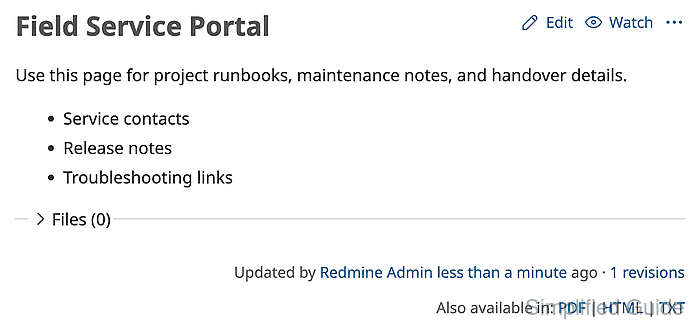
The Wiki module is selected from the project settings screen, not from global administration. When the module is enabled, Redmine exposes the project wiki area and opens the configured start page editor if the start page has not been created yet.
Use an administrator account or a project role that can select project modules and edit wiki pages. A rendered start page with the expected heading and content confirms both the module setting and the first wiki page.
Related: How to create a Redmine project
Related: How to add members to a Redmine project
Steps to enable a Redmine project wiki:
- Sign in to Redmine with an administrator account or a project role that can select project modules.
- Open the target project.
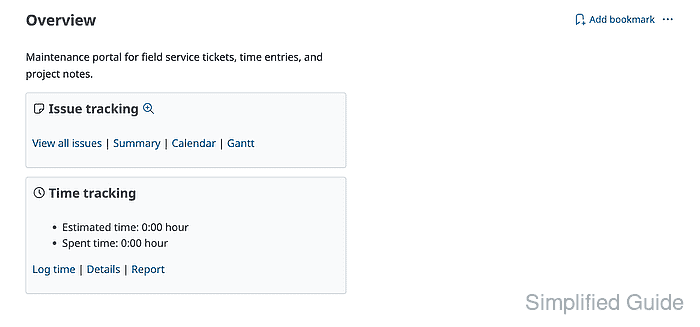
- Click Settings and open the Project tab.
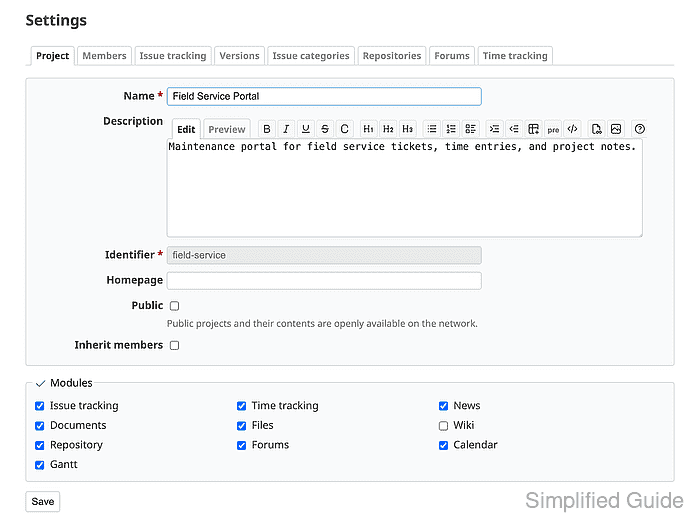
- Select Wiki under Modules.
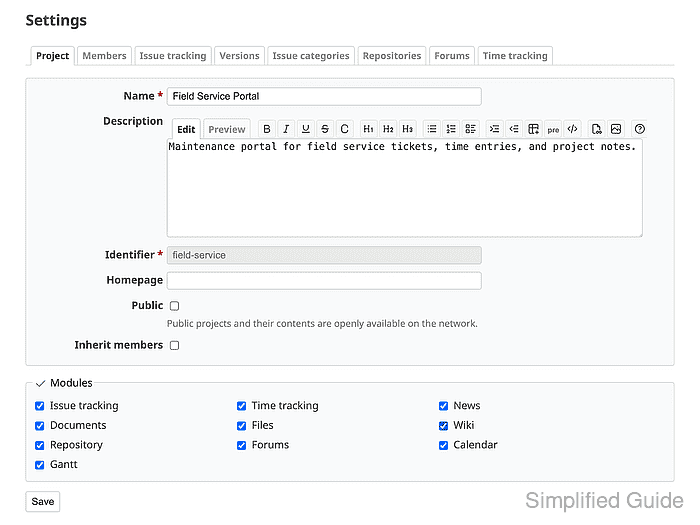
Module settings change project access to a feature. Existing module data remains available if the module is disabled and later enabled again.
- Click Save and confirm Successful update appears.
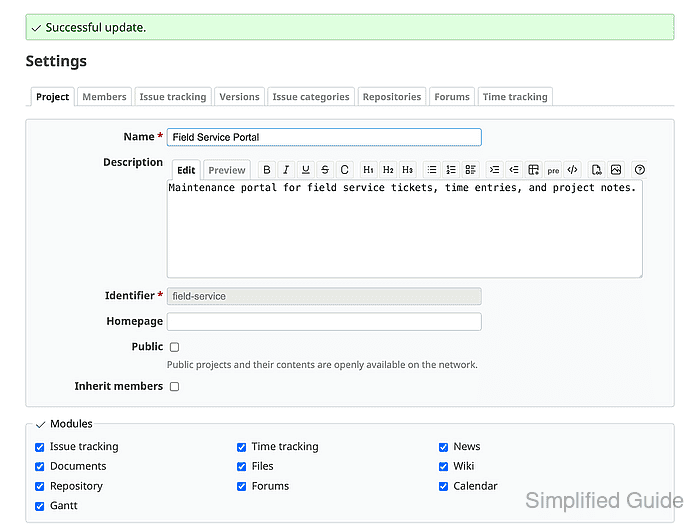
- Open the project Wiki area.
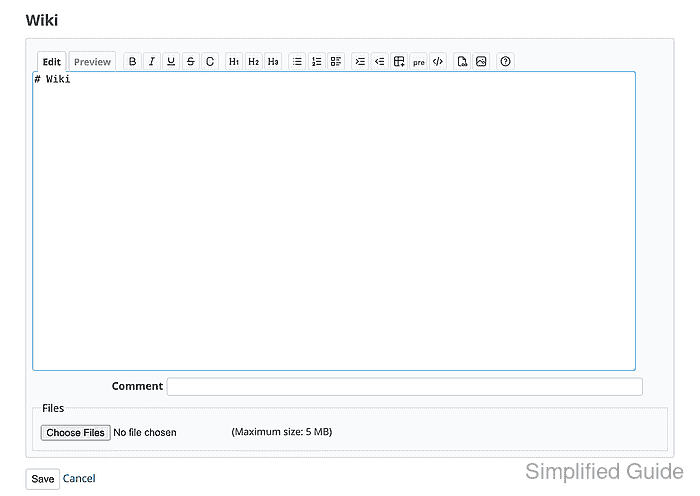
The first visit opens the start page editor when the project wiki has no start page yet.
- Enter a heading and starter content for the first wiki page.
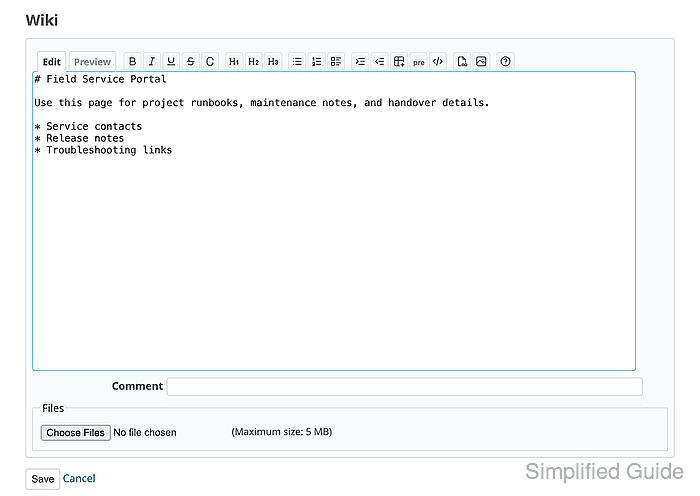
The default editor can accept Markdown-style headings such as # Field Service Portal when the site uses Markdown formatting. Match the text formatting configured for the Redmine site.
- Click Save and confirm the wiki page renders with the expected heading, content, and revision link.
If a project member cannot view or edit the page, check the role's wiki permissions.
Related: How to set Redmine role permissions