How to set the Ollama model directory
Ollama stores downloaded model data in a model directory that can become very large. Moving that directory to another disk is useful on workstations and servers where the home or system volume is too small.
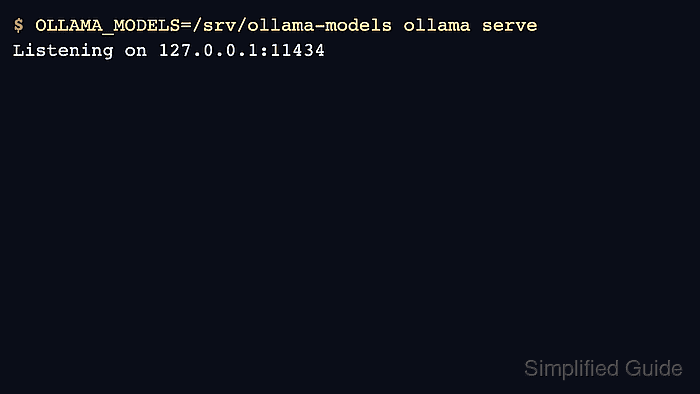
The active path is controlled with OLLAMA_MODELS for the server process. Set it before Ollama starts, then verify model pulls and ollama list use the new location.
Move existing models while Ollama is stopped so manifests and blobs stay consistent. Back up the old path before deleting it.
Related: How to back up and restore Ollama data
Related: How to manage the Ollama service
Related: How to list Ollama models
Steps to set the Ollama model directory:
- Stop Ollama before moving model data.
$ sudo systemctl stop ollama
On macOS or Windows, quit the Ollama app first.
Related: How to manage the Ollama service - Create the new model directory.
$ sudo mkdir -p /srv/ollama-models
$ sudo chown ollama:ollama /srv/ollama-models
- Copy existing model data to the new directory.
$ sudo rsync -a /usr/share/ollama/.ollama/models/ /srv/ollama-models/
- Set OLLAMA_MODELS in the service override.
[Service]
Environment="OLLAMA_MODELS=/srv/ollama-models"
- Restart Ollama and list models from the new path.
$ sudo systemctl daemon-reload
$ sudo systemctl restart ollama
$ ollama list
NAME           ID              SIZE
gpt-oss:20b    17052f91a42e    13 GB