How to update Ollama on Linux
Updating Ollama on Linux replaces the installed binary and runtime libraries while preserving downloaded models. The official update path is to rerun the Linux install script or re-extract the current tarball.
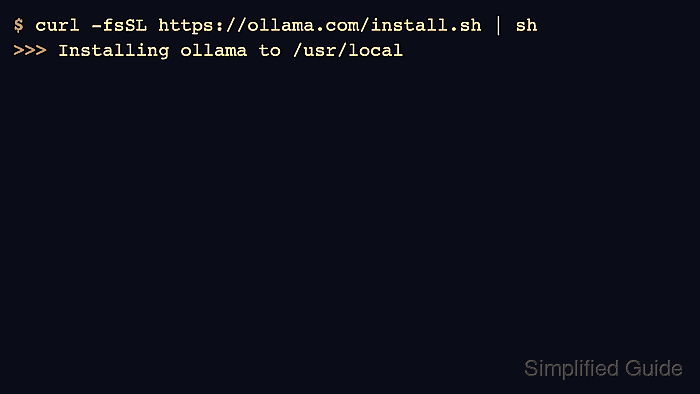
Use the install script for the normal supported path and the manual tarball for controlled environments. If upgrading from an older manual layout, remove old libraries before extracting new ones so mixed versions do not remain on disk.
Check both the CLI version and API version after the update because scripts may call either surface.
Related: How to install Ollama on Linux
Related: How to check the Ollama version
Related: How to manage the Ollama service
Steps to update Ollama on Linux:
- Check the current version before updating.
$ ollama --version ollama version is 0.30.0 - Rerun the official installer to update Ollama.
$ curl -fsSL https://ollama.com/install.sh | sh
>>> Installing ollama to /usr/local
>>> The Ollama API is now available at 127.0.0.1:11434
- Restart the service when the installer does not restart it for the active host.
$ sudo systemctl restart ollama
Related: How to manage the Ollama service
- Confirm the CLI reports the updated version.
$ ollama --version ollama version is 0.31.1 - Confirm the API reports the same installed server version.
$ curl -s http://localhost:11434/api/version
{"version":"0.31.1"}