How to run Ollama with Docker
The official Ollama Docker image runs the server in a container while storing model data in a named Docker volume. That keeps the local host clean and gives automation a repeatable way to start the API on port 11434.
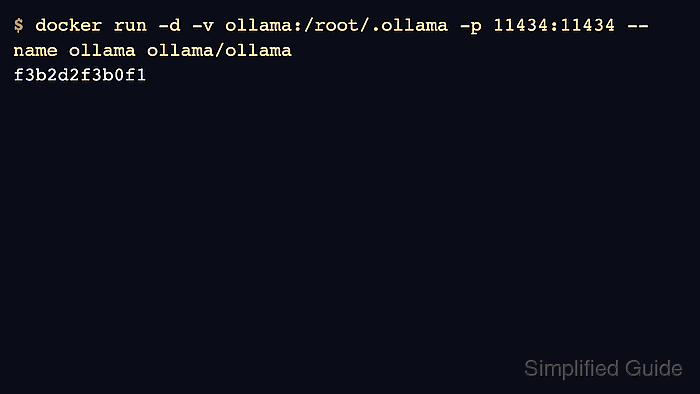
CPU-only Docker usage needs only the image, a persistent volume, and a port mapping. GPU usage needs additional device or runtime configuration and belongs in a separate GPU-focused flow.
Use a named volume from the first run. Removing a container without a volume can also remove downloaded models, which makes later smoke tests appear slower or broken.
Related: How to run Ollama with Docker GPU access
Related: How to check the Ollama API server
Related: How to run a model in Ollama
Steps to run Ollama with Docker:
- Create or reuse a named Docker volume for models.
$ docker volume create ollama
ollama
- Start the official Ollama container on port 11434.
$ docker run -d \
  -v ollama:/root/.ollama \
  -p 11434:11434 \
  --name ollama \
  ollama/ollama
f3b2d2f3b0f1
- Check that the container is running.
$ docker ps --filter name=ollama
CONTAINER ID   IMAGE           COMMAND          CREATED          STATUS          PORTS                      NAMES
f3b2d2f3b0f1   ollama/ollama   "/bin/ollama"   10 seconds ago   Up 10 seconds   0.0.0.0:11434->11434/tcp   ollama
- Verify the API through the host port.
$ curl -s http://localhost:11434/api/version
{"version":"0.31.1"}
- Run a model inside the container after pulling it.
$ docker exec -it ollama ollama run gpt-oss:20b "Return OK."
OK
Large model pulls can take significant time and disk space.