Ollama can use GPU acceleration inside Docker when the host exposes the right GPU runtime or device nodes to the container. The exact command depends on whether the host uses NVIDIA, AMD ROCm, or Vulkan-capable device access.
NVIDIA hosts need the NVIDIA Container Toolkit and a Docker runtime configured for –gpus=all. AMD hosts use device mappings such as /dev/kfd and /dev/dri, with the ROCm image when ROCm acceleration is required.
GPU validation must happen on hardware that matches the published command. A CPU-only host can check syntax and documentation, but it cannot prove model offload or driver compatibility.
Related: How to run Ollama with Docker
Related: How to check Ollama GPU support
Related: How to list running Ollama models
Steps to run Ollama with Docker GPU access:
- Confirm the host GPU and driver before starting the container.
$ nvidia-smi
+-----------------------------------------------------------------------------+
| NVIDIA-SMI 570.00       Driver Version: 570.00       CUDA Version: 12.8     |
##### snipped #####
Use AMD ROCm tools instead on AMD hosts.
- Install and configure the NVIDIA Container Toolkit when using NVIDIA GPUs.
$ sudo nvidia-ctk runtime configure --runtime=docker
$ sudo systemctl restart docker
- Start the Ollama container with NVIDIA GPU access.
$ docker run -d --gpus=all \
  -v ollama:/root/.ollama \
  -p 11434:11434 \
  --name ollama \
  ollama/ollama
- Start the ROCm container on supported AMD hosts.
$ docker run -d \
  --device /dev/kfd --device /dev/dri \
  -v ollama:/root/.ollama \
  -p 11434:11434 \
  --name ollama \
  ollama/ollama:rocm
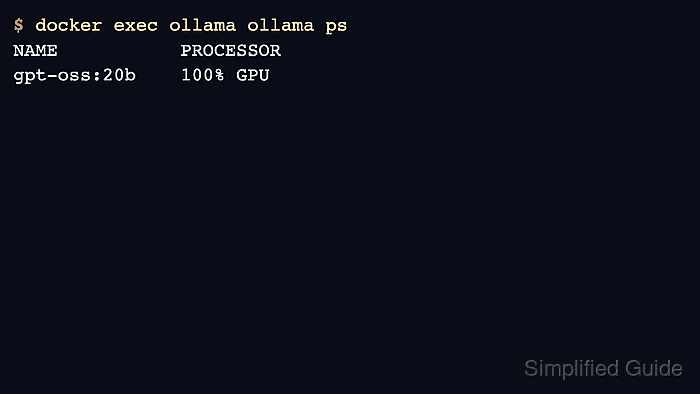
- Load a model and confirm GPU offload from Ollama.
$ docker exec ollama ollama ps
NAME           ID              SIZE     PROCESSOR    CONTEXT    UNTIL
gpt-oss:20b    17052f91a42e    12 GB    100% GPU     131072     5 minutes from now

Mohd Shakir Zakaria is a cloud architect with deep roots in software development and open-source advocacy. Certified in AWS, Red Hat, VMware, ITIL, and Linux, he specializes in designing and managing robust cloud and on-premises infrastructures.


