How to check the Ollama API server
Ollama exposes a local HTTP API on port 11434 by default, and application failures often begin with the wrong host, a stopped server, or a stale model list. Checking the server directly separates API reachability from model behavior.
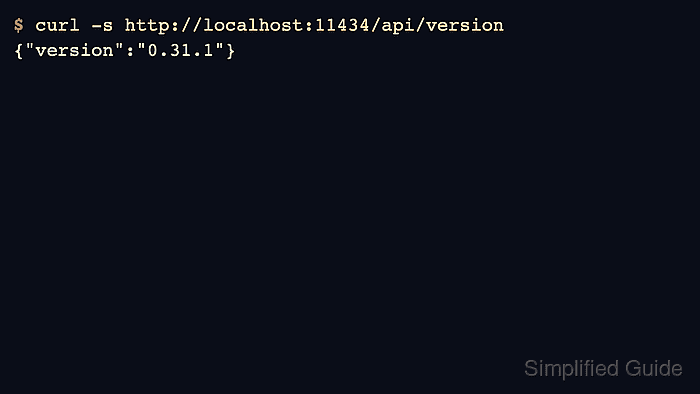
The version, tag, and process endpoints give three different signals. api/version proves the server answered, api/tags lists available models, and api/ps shows which models are currently loaded in memory.
Run all checks against the same base URL. A script that points to localhost while a browser or container points somewhere else can make the same model appear present and missing at the same time.
Related: How to start the Ollama server
Related: How to list Ollama models
Related: How to list running Ollama models
Steps to check the Ollama API server:
- Check that the API server returns a version.
$ curl -s http://localhost:11434/api/version
{"version":"0.31.1"}
- List the models known to the same server.
$ curl -s http://localhost:11434/api/tags
{"models":[{"name":"gpt-oss:20b","model":"gpt-oss:20b"}]}
An empty array means the server is reachable but no models are installed there.
- List loaded model processes.
$ curl -s http://localhost:11434/api/ps
{"models":[]}
A model can be installed in api/tags and still be absent from api/ps until it is loaded by a request.
- Repeat the check with the hostname used by the application.
$ curl -s http://127.0.0.1:11434/api/version
{"version":"0.31.1"}
Use the container hostname, remote address, or OLLAMA_HOST value when the client does not run on the same host.
- Treat connection refusal as a server-start problem, not a model problem.
$ curl -sS http://localhost:11434/api/version
curl: (7) Failed to connect to localhost port 11434
Start Ollama before changing model names or request bodies.
Related: How to start the Ollama server