How to install Node.js dependencies with npm ci
Continuous integration and deployment jobs need a dependency install that matches the repository lockfile instead of resolving fresh package versions. npm ci performs that clean install for Node.js projects, which makes build jobs fail early when the committed dependency manifest and lockfile are out of sync.
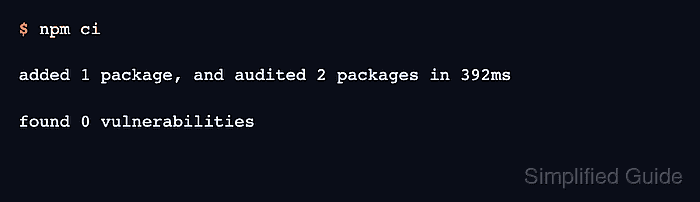
npm ci expects package-lock.json or npm-shrinkwrap.json in the project root and installs the whole project at once. If node_modules already exists, npm removes it before installing, and it does not update package.json or the lockfile during the run.
Use npm install or a dependency update workflow when adding or changing packages, then commit the refreshed lockfile before CI uses npm ci. Run the project test or build after the install so the job proves more than the presence of node_modules.
Related: How to install a Node.js dependency
Related: How to audit Node.js dependencies
Steps to install Node.js dependencies with npm ci:
- Open the project root that contains package.json and the committed lockfile.
$ npm pkg get name
"demo-app"
If npm reports that package.json is missing, switch to the project root before running npm ci.
Related: How to create a Node.js project with npm - Run the clean lockfile install.
$ npm ci

added 1 package, and audited 2 packages in 514ms

found 0 vulnerabilities
If npm ci exits with EUSAGE because package.json and package-lock.json do not match, treat the build as failed. Refresh the lockfile in a normal dependency-change branch, commit it, and rerun the clean install.
Related: How to update Node.js dependencies - Check the installed top-level dependency tree when package-level proof is useful.
$ npm ls --depth=0
demo-app@1.0.0 /path/demo-app
`-- is-number@7.0.0
Replace is-number with a direct dependency that matters to the project, or skip this check when the later test or build command already covers dependency loading.
- Run the project test or build command after the install.
$ npm test

> demo-app@1.0.0 test
> node test.js

install ok