A Node.js directory becomes an npm project when it has package metadata, scripts, and a clear entry file. That setup gives developers one place to track how the project starts, which module format .js files use, and whether the project is meant to stay private.
npm init creates package.json from answers or defaults. Using --yes keeps the first pass noninteractive, while --init-private and --init-type=module make the starter manifest fit an application-style project that uses ES modules.
npm pkg set edits package.json through npm instead of hand-editing JSON. A small entry file plus npm run check and npm start proves the manifest, script names, and Node.js runtime agree before dependencies are added.
Steps to create a Node.js project with npm:
- Create a project directory.
$ mkdir project-create-npm-demo
- Enter the project directory.
$ cd project-create-npm-demo
- Create package.json with npm defaults for a private ES module project.
$ npm init --yes --init-private --init-type=module
Wrote to /project-create-npm-demo/package.json:

{
  "name": "project-create-npm-demo",
  "version": "1.0.0",
  "description": "",
  "main": "index.js",
  "scripts": {
    "test": "echo \"Error: no test specified\" && exit 1"
  },
  "keywords": [],
  "author": "",
  "license": "ISC",
  "type": "module",
  "private": true
}
Run npm init without --yes when each metadata field should be answered interactively. The noninteractive form uses defaults such as the current directory name and version 1.0.0.
- Add start and syntax-check scripts through npm.
$ npm pkg set scripts.start="node index.js" scripts.check="node --check index.js"
- Create the project entry file.
- index.js
const message = "npm project ready";
console.log(message);
- Check the entry file syntax through the project script.
$ npm run check

> project-create-npm-demo@1.0.0 check
> node --check index.js
- Start the project through npm.
$ npm start

> project-create-npm-demo@1.0.0 start
> node index.js

npm project ready
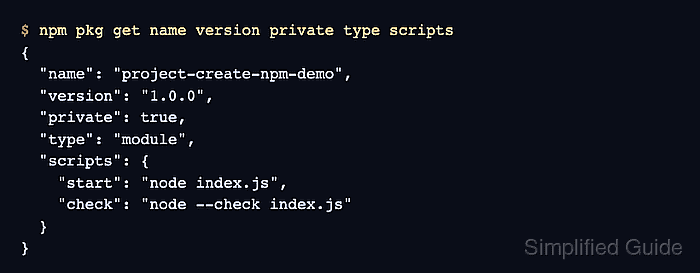
- Inspect the saved project metadata.
$ npm pkg get name version private type scripts
{
  "name": "project-create-npm-demo",
  "version": "1.0.0",
  "private": true,
  "type": "module",
  "scripts": {
    "test": "echo \"Error: no test specified\" && exit 1",
    "start": "node index.js",
    "check": "node --check index.js"
  }
}