How to query Mimir with PromQL in Grafana
Querying Mimir with PromQL in Grafana lets dashboards and Explore read metrics from a Prometheus-compatible backend. Grafana uses the Prometheus data source type for Mimir because Mimir exposes the same query API shape.
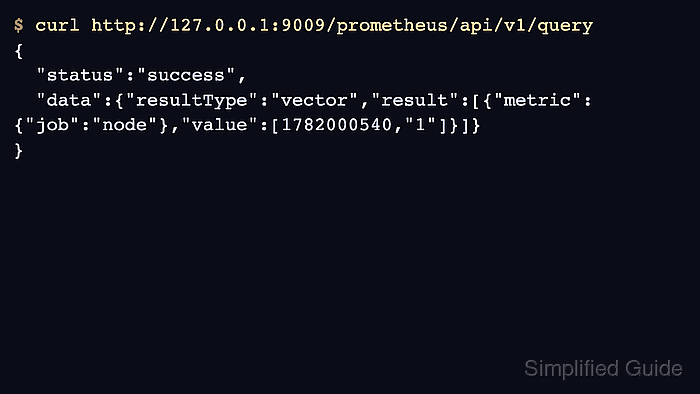
The data source URL depends on where Grafana runs. A Grafana container in the same Compose network should use http://mimir:9009/prometheus, while a browser on the host can test the same backend through http://127.0.0.1:9009/prometheus when the port is published.
Run a query only after Prometheus or Alloy has written samples into Mimir. A successful API response with an empty result proves the query endpoint is reachable, but it does not prove that metrics are being ingested.
Steps to query Mimir with PromQL in Grafana:
- Confirm Mimir returns a Prometheus-compatible query response.
$ curl --silent 'http://127.0.0.1:9009/prometheus/api/v1/query?query=up' {"status":"success","data":{"resultType":"vector","result":[]}} - Open Grafana.
- Open Connections → Data sources.
- Add or select the Mimir data source that uses the Prometheus plugin.
- Set the data source URL.
http://mimir:9009/prometheus
Use the service name when Grafana and Mimir run in the same Compose network. Use the host-published URL only when Grafana itself can reach that host address.
- Click Save & test.
- Open Explore and select the Mimir data source.
- Run a basic PromQL query.
up
- Confirm the query returns a vector after metrics have been written.
up{cluster="lab", instance="127.0.0.1:9090", job="prometheus", replica="prometheus-01"} 1 - Add a label filter that proves the result came from the expected Prometheus sender.
up{cluster="lab", replica="prometheus-01"}If up is empty, check remote write before changing Grafana.
Related: How to ingest Prometheus remote write data into Mimir - Save the query into a panel when the Explore result matches the expected series.
Panels, alerts, and recording rules should use stable external labels such as cluster or replica only when those labels are deliberately managed across Prometheus senders.