How to search files recursively with grep
Nested project files, configuration directories, and log folders can hide the line that changed behavior or triggered an alert. Use grep -R -n when the result needs to show matching text together with the file path and line number that found it.
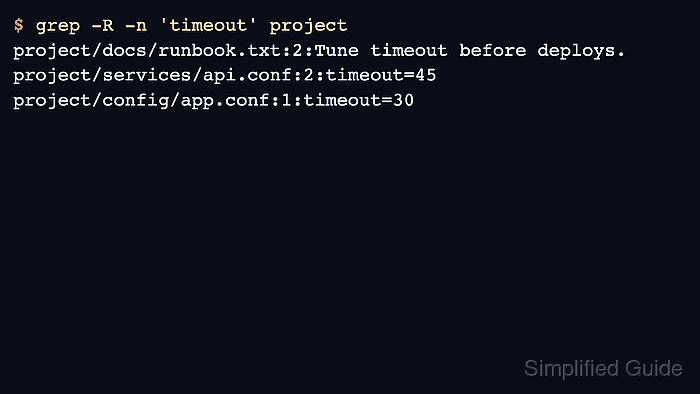
The -R option tells grep to descend through each directory named on the command line. Adding -n prefixes every matching line with its source line number, so each result identifies the file and exact line to open next.
Recursive searches can include generated files, dependency directories, and symbolic links if the starting path is too broad. Keep the path focused on the tree that belongs to the review, then add exclusions when cache, vendor, or log paths should stay out of the result.
Steps to search files recursively with grep:
- Create a small sample tree with matches in nested files.
$ mkdir -p project/config project/docs project/services
$ cat > project/config/app.conf <<'EOF'
timeout=30
feature=search
EOF
$ cat > project/docs/runbook.txt <<'EOF'
Check health before deploys.
Tune timeout before deploys.
EOF
$ cat > project/services/api.conf <<'EOF'
worker_pool=api
timeout=45
EOF
- Search the full tree recursively and show matching line numbers.
$ grep -R -n 'timeout' project
project/docs/runbook.txt:2:Tune timeout before deploys.
project/services/api.conf:2:timeout=45
project/config/app.conf:1:timeout=30
The output format is file:line:text. Recursive traversal order can vary by filesystem, so use the printed path and line number instead of assuming sorted output.
- Limit the recursive search to only the directories that belong to the review.
$ grep -R -n 'timeout' project/config project/services
project/config/app.conf:1:timeout=30
project/services/api.conf:2:timeout=45
GNU grep -R follows symbolic links during recursive traversal. Use grep -r when symlinks found inside the tree should stay skipped.
- Search for a different token to confirm the match follows file content, not directory names.
$ grep -R -n 'feature' project
project/config/app.conf:2:feature=search
- Remove the sample tree after testing.
$ rm -r project