How to print context around grep matches
A matching log line is often only the middle of the useful evidence. Use grep context options when the lines immediately before or after the match show the cause, recovery message, configuration block, or handoff detail that belongs with the match.
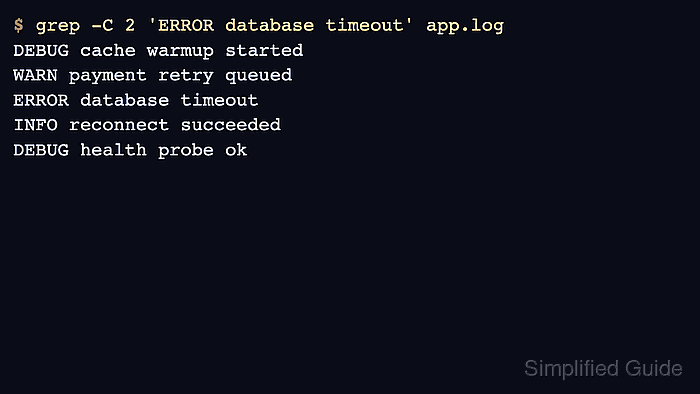
The -A option prints lines after a match, -B prints lines before a match, and -C prints both sides. The number after each option is the maximum number of surrounding lines to include for each matching group.
The sample log below places one timeout between warning and recovery lines, then includes a second error later in the file. That layout proves the context count, shows how line-numbered output marks matches and context lines, and shows the -- separator that appears between non-adjacent match groups.
Related: How to search case-insensitively with grep
Related: How to count matches with grep
Related: How to list files that contain a grep match
Steps to print context around grep matches:
- Create a short sample log with one error surrounded by setup and recovery lines, plus a second later error.
$ cat > app.log <<'EOF'
INFO service ready
DEBUG cache warmup started
WARN payment retry queued
ERROR database timeout
INFO reconnect succeeded
DEBUG health probe ok
WARN disk usage 82 percent
ERROR worker crashed
INFO restart scheduled
EOF
- Print the matching timeout line and two lines after it.
$ grep -A 2 'ERROR database timeout' app.log
ERROR database timeout
INFO reconnect succeeded
DEBUG health probe ok
grep -A 2 keeps the match as the first line in the group, then prints the next two lines from the file.
- Print the same matching line and two lines before it.
$ grep -B 2 'ERROR database timeout' app.log
DEBUG cache warmup started
WARN payment retry queued
ERROR database timeout
grep -B 2 is useful when the setup, request, or preceding warning explains why the matched line appeared.
- Print two lines before and after the same match.
$ grep -C 2 'ERROR database timeout' app.log
DEBUG cache warmup started
WARN payment retry queued
ERROR database timeout
INFO reconnect succeeded
DEBUG health probe ok
grep -C 2 is equivalent to using -A 2 and -B 2 together.
- Confirm the line numbers and context separators when the output needs to be copied into a ticket, review note, or editor handoff.
$ grep -n -C 1 'ERROR' app.log
3-WARN payment retry queued
4:ERROR database timeout
5-INFO reconnect succeeded
--
7-WARN disk usage 82 percent
8:ERROR worker crashed
9-INFO restart scheduled
With -n and context output, matching lines use a colon after the line number, context lines use a hyphen, and -- separates match groups that are not adjacent.
- Remove the sample file after testing.
$ rm app.log