Counting search results with grep is useful when a log check, report review, or command-output scan needs a number instead of matching text. The important choice is whether the number should represent matching lines or every occurrence of the pattern.
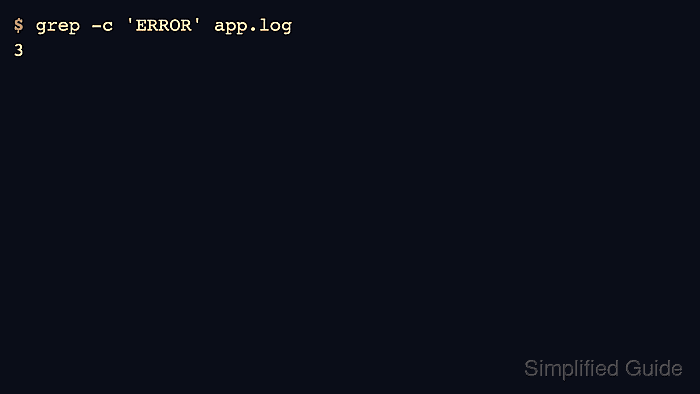
The -c option counts lines that contain at least one match. If the same pattern appears twice on one line, that line still adds only one to the count, so use grep -o with wc -l when the job is to count individual matches.
The sample below uses a short log where one line contains ERROR twice and one line contains lowercase error. That fixture makes the difference visible: grep -c 'ERROR' returns three matching lines, grep -o 'ERROR' | wc -l returns four uppercase occurrences, and grep -ci 'error' counts four lines after ignoring case.
Steps to count matches with grep:
- Create a small sample log with repeated uppercase matches, a lowercase match, and a nonmatching line.
$ cat > app.log <<'EOF'
INFO service ready
ERROR api timeout
WARN retry queued
ERROR disk full ERROR retry failed
error lowercase diagnostic
ERROR api timeout
EOF
- Count lines that contain the uppercase pattern.
$ grep -c 'ERROR' app.log
3
grep -c counts matching lines. The line ERROR disk full ERROR retry failed contains two matches, but it still contributes one line to this result.
- Count every uppercase occurrence when repeated matches on the same line matter.
$ grep -o 'ERROR' app.log | wc -l
4
grep -o prints each match on its own output line, then wc -l counts those match lines. This pipeline is appropriate when the count should be occurrences instead of source lines.
- Count matching lines without treating uppercase and lowercase text as different values.
$ grep -ci 'error' app.log
4
The -i option makes ERROR and error match the same pattern. The count is four because four lines contain that text after case is ignored.
- Remove the sample file after testing.
$ rm app.log

Mohd Shakir Zakaria is a cloud architect with deep roots in software development and open-source advocacy. Certified in AWS, Red Hat, VMware, ITIL, and Linux, he specializes in designing and managing robust cloud and on-premises infrastructures.


