How to add a Prometheus label variable to a Grafana dashboard
Adding a Prometheus label variable to a Grafana dashboard creates a dropdown from live label values instead of a fixed list. It is useful when one dashboard should switch between scraped targets, jobs, environments, or other Prometheus labels without editing each panel query.
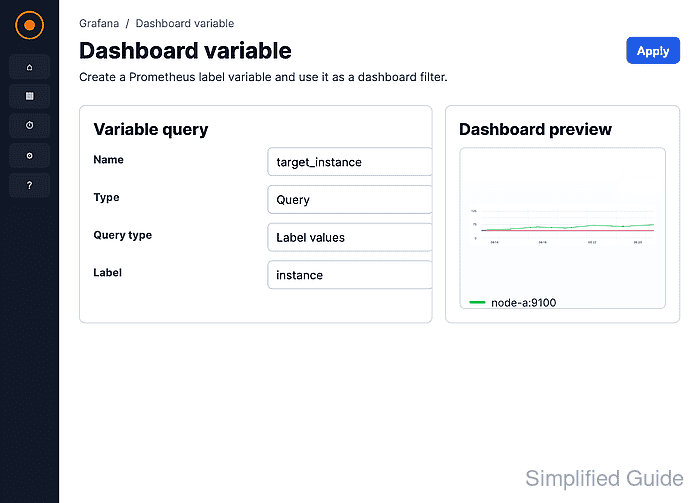
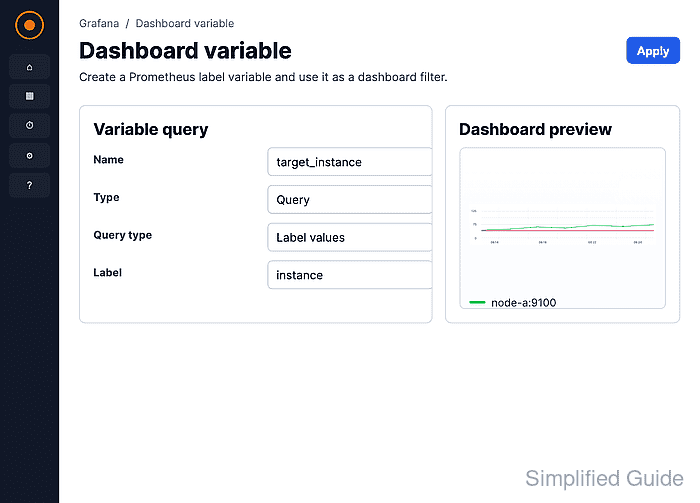
A Query variable asks the selected Prometheus data source for values and stores the result with the dashboard. Using the Prometheus instance label with the Grafana variable name target_instance lets the panel query filter one scraped target at a time.
The dashboard needs an existing Prometheus data source and at least one panel query that can be filtered by the same label. The variable preview should show the expected label values, and changing the dashboard dropdown should refresh the panel with the selected label value.
Steps to add a Prometheus label variable in Grafana:
- Open the dashboard that should receive the Prometheus label dropdown.
- Click Edit in the dashboard toolbar.
- Click Add variable from the dashboard editor.
- Select Query as the variable type.
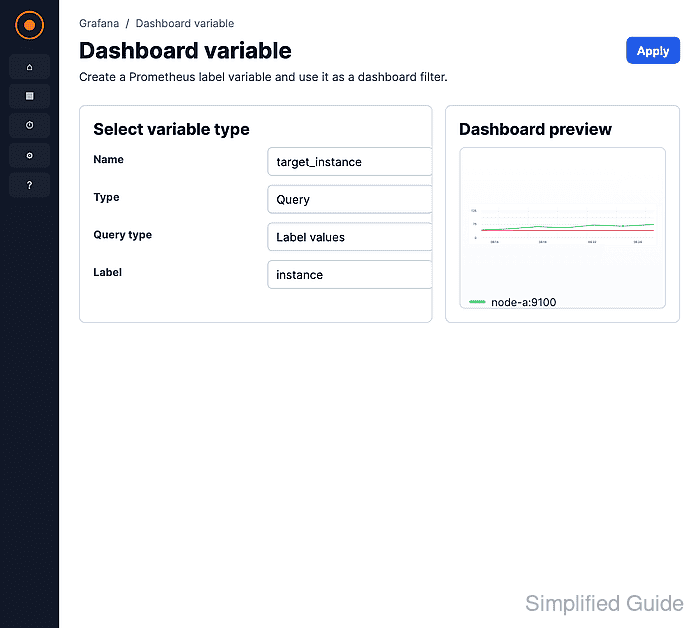
Query variables fetch values from a data source. Use Custom only when the allowed values are a fixed list.
- Enter the variable name and dashboard label.
Use target_instance for Name and Instance for Label. The name is used inside PromQL; the label is the text shown beside the dashboard dropdown.
- Open the variable editor.
- Select the Prometheus data source.
- Set Query type to Label values.
- Set Label to the Prometheus label that should populate the dropdown.
Use instance for a target-level dropdown. Use job, env, or another label only when that label exists on the metric series the panel should filter.
- Set Sort to Alphabetical (asc).
- Set Refresh to On dashboard load.
- Click Preview and confirm the expected label values appear.
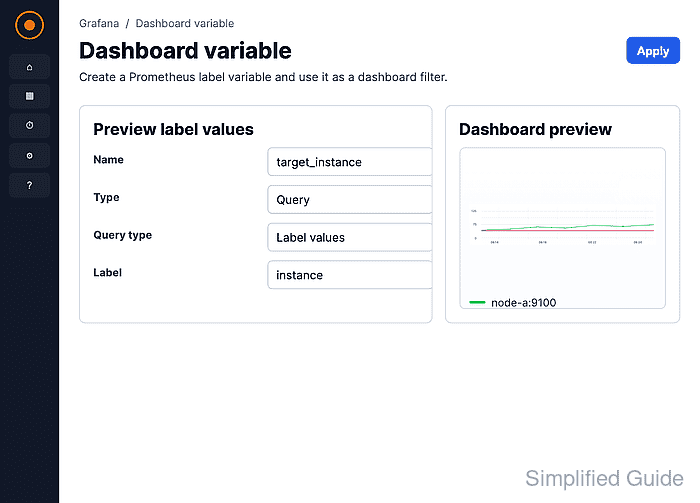
Use On time range change instead when the variable query should only show label values that exist inside the selected dashboard time range.
- Close the variable editor.
- Save the dashboard.
- Edit the panel that should use the variable.
- Add the variable to the PromQL label matcher.
up{instance="$target_instance"}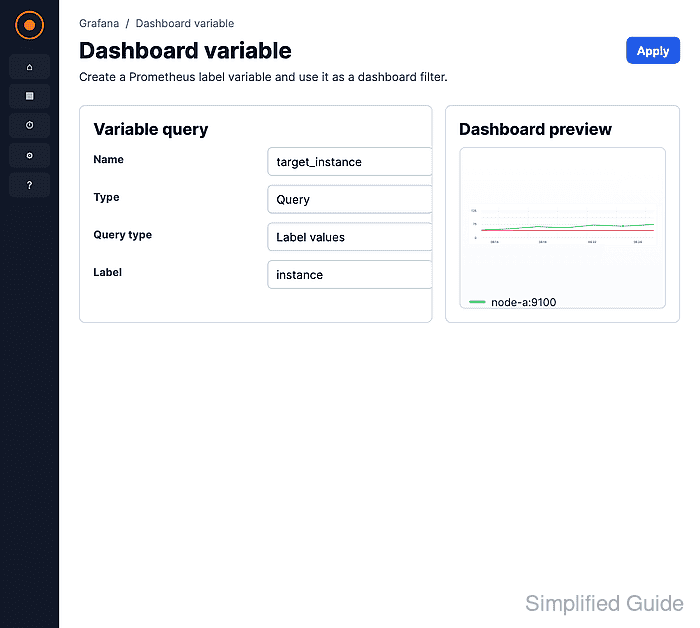
Replace up and instance with the metric and label used by the dashboard panel. The variable name stays inside the matcher value as $target_instance.
- Save the panel.
- Save the dashboard.
- Select a different value from the Instance dropdown.
- Confirm the panel refreshes with only the selected Prometheus label value.
If the panel shows No data, check the dashboard time range, the selected label value, and the panel request in Query inspector.
Related: How to use Grafana query inspector