Redmine user accounts connect a person's login, profile details, notification preferences, and project access eligibility. Create an account before a team member needs project membership, issue assignment, watchers, time entries, or wiki edits under their own name.
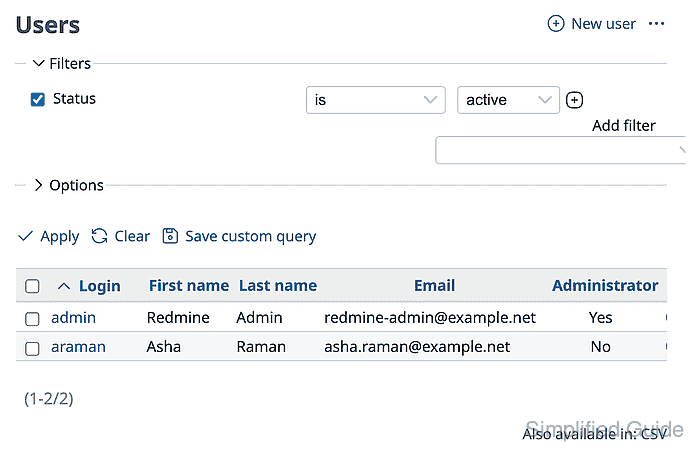
Administration → Users manages local accounts and shows their activation state. An active account can sign in and be assigned to project work, while registered or locked accounts cannot be used normally until an administrator activates or unlocks them.
Use an initial password path that matches the site's onboarding process. If email delivery is not configured, create the account without relying on generated account-information email and give the user a separate password-reset or onboarding channel after mail is working.
Related: How to create a Redmine group
Related: How to set Redmine role permissions
Steps to create a Redmine user:
- Sign in to Redmine with an administrator account.
- Open Administration → Users.
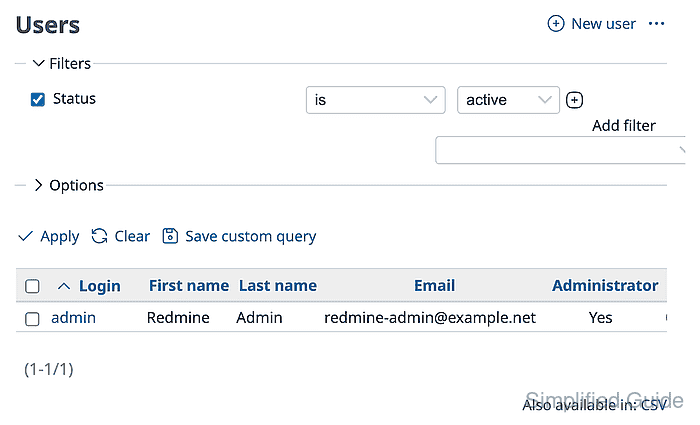
- Click New user.
- Complete the Information and Authentication fields for the account.
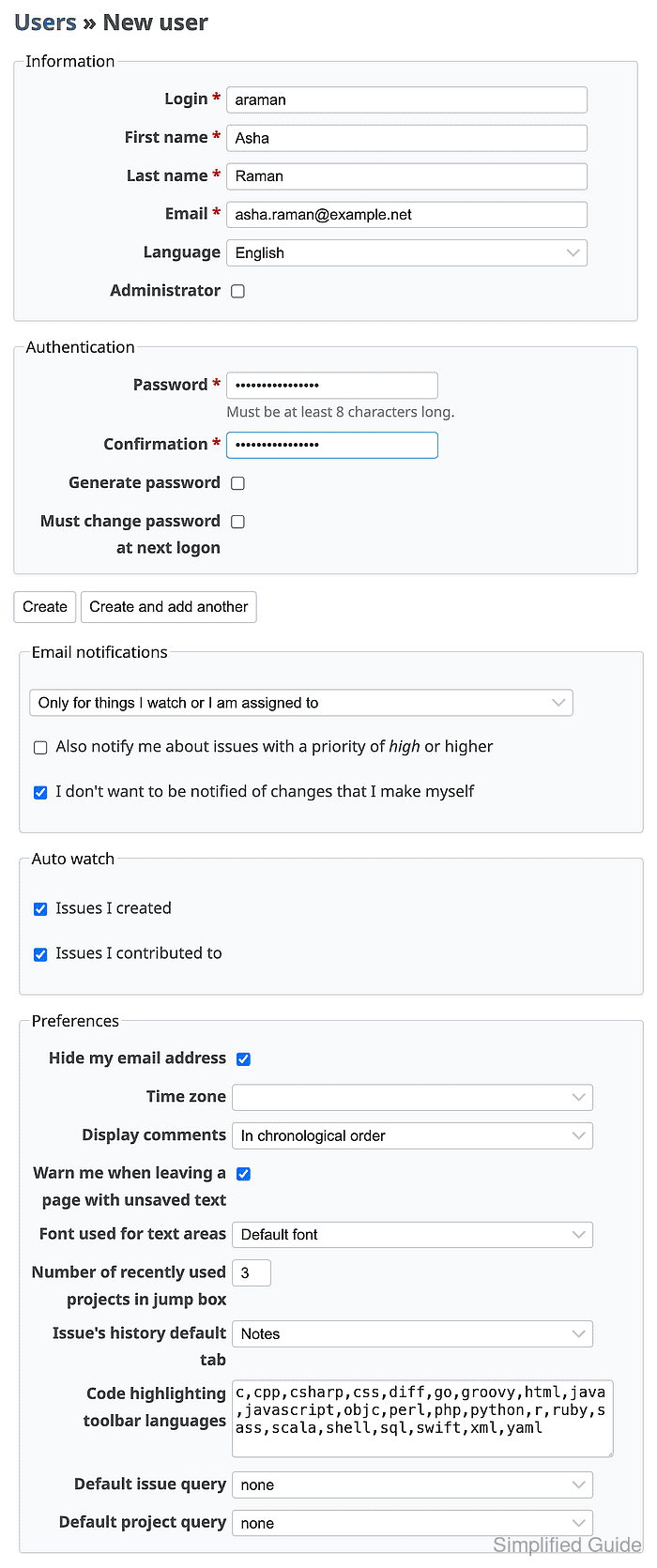
Leave Administrator unchecked unless the user should have unrestricted access to all Redmine administration and every project.
- Review the email notification and preference defaults before saving.
The initial password must meet the local password policy. Use Generate password only when the site's email delivery path can send the onboarding message.
- Click Create.
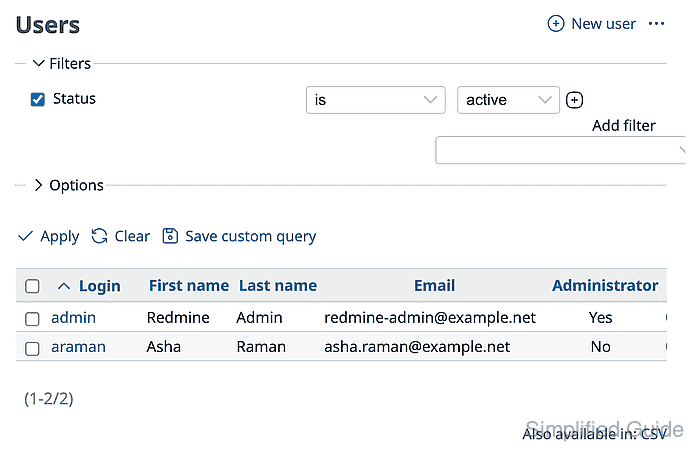
- Filter the users list for active accounts and confirm the new user row appears.
- Sign out and sign in as the new user.

The user account should open My page or another normal signed-in landing page.
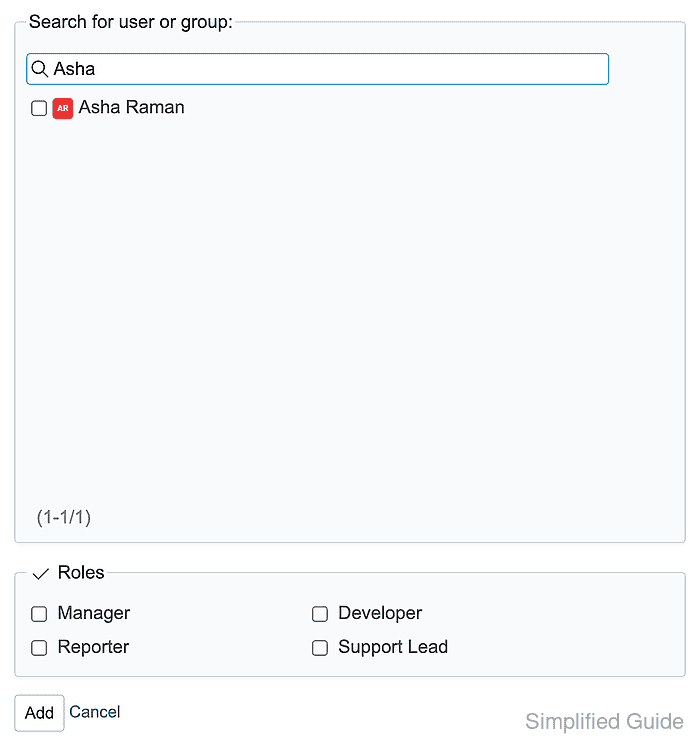
- Sign back in as an administrator and open the target project Settings → Members dialog.
- Search for the new user and confirm the account appears in the member picker.

Mohd Shakir Zakaria is a cloud architect with deep roots in software development and open-source advocacy. Certified in AWS, Red Hat, VMware, ITIL, and Linux, he specializes in designing and managing robust cloud and on-premises infrastructures.


