A Workspace Tool gives an Open WebUI chat model a server-side Python action it can call during a conversation. Use one when a model needs a controlled capability outside normal text generation, such as checking a private system, formatting domain data, or returning a result from an approved internal service.
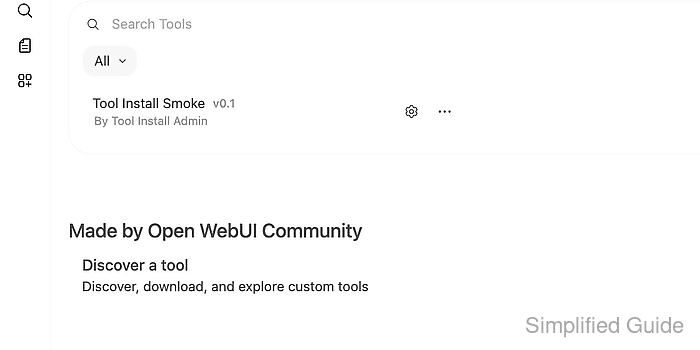
Workspace Tools live under Workspace → Tools, separate from Admin Panel functions and external MCP or OpenAPI tool servers. A single Python file with a top-level metadata docstring and a class Tools definition becomes one or more callable tool functions after Open WebUI loads it.
Tool source executes on the Open WebUI backend, so treat installation like deploying application code. Review the source and any dependencies before saving, test with non-sensitive input, and grant access only to users or models that should be able to trigger the action.
Steps to install an Open WebUI Workspace Tool:
- Sign in to Open WebUI as an administrator or a user allowed to manage Workspace Tools.
- Open Workspace → Tools.
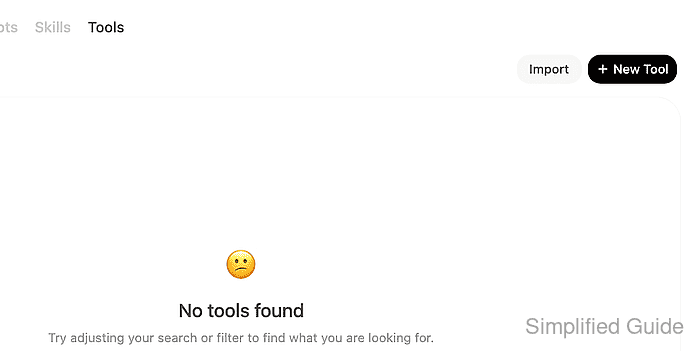
Tools are for model-callable actions. Functions are a separate admin feature for modifying Open WebUI behavior.
- Click New Tool.
- Set the tool metadata.
Tool Name: Tool Install Smoke
Tool ID: tool_install_smoke
Description: Returns a visible phrase for a Workspace Tool smoke test.
Use a lowercase Python identifier for Tool ID. Underscores are safer than hyphens because the backend validates tool IDs before loading the source.
- Paste the reviewed Python source.
"""
title: Tool Install Smoke
author: Open WebUI admin
version: 0.1
description: Returns a short phrase to verify that Open WebUI can call an installed Workspace Tool.
"""


class Tools:
    async def echo_install_status(self, phrase: str) -> str:
        """Return a short install-check phrase for Open WebUI tool smoke tests."""
        return f"tool-install check: {phrase}"
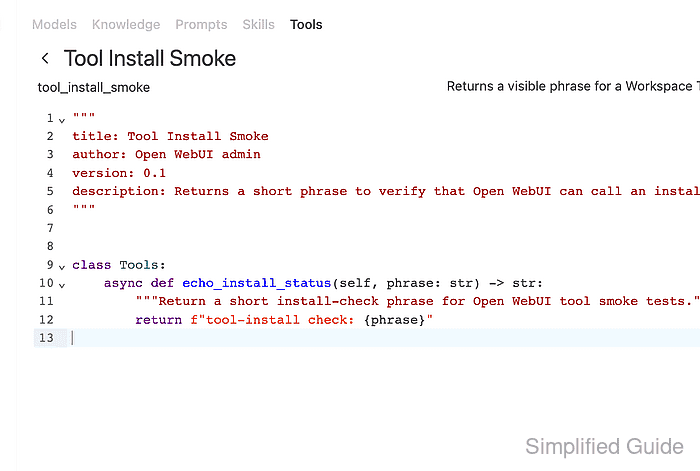
Open WebUI recommends async tool methods for forward compatibility. A community tool can replace this sample only after its source and requirements have been reviewed.
- Click Save, review the code-execution warning, acknowledge the risk, and click Confirm.
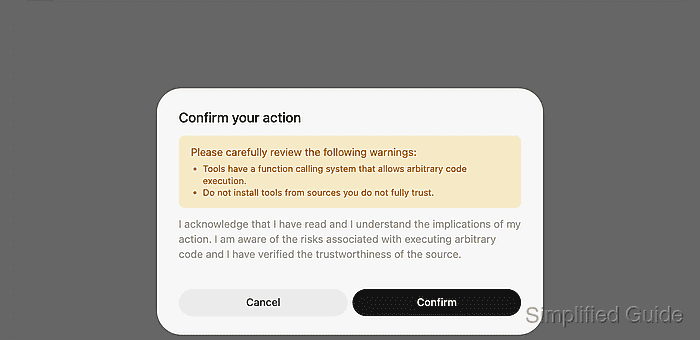
Workspace Tools execute arbitrary Python code on the server. Do not install tools from untrusted sources, and do not give normal users tool-import access unless they are trusted to run server-side code.
- Confirm that the saved tool appears in Workspace → Tools.
Admins can see all tools. For non-admin use, grant access only to the intended users, groups, or model workflow before exposing the tool in chat.
- Ask a model that supports tool calling to run the installed tool.
User: Use the echo_install_status tool with phrase: Open WebUI tool installed
Assistant: The Workspace Tool returned: tool-install check: Open WebUI tool installed.
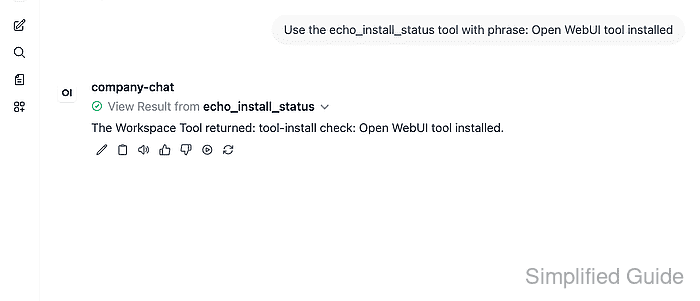
If the model does not call the tool, enable the tool from the chat + menu or attach it to the intended model, then repeat the smoke test with a prompt that clearly requires the tool.

Mohd Shakir Zakaria is a cloud architect with deep roots in software development and open-source advocacy. Certified in AWS, Red Hat, VMware, ITIL, and Linux, he specializes in designing and managing robust cloud and on-premises infrastructures.


