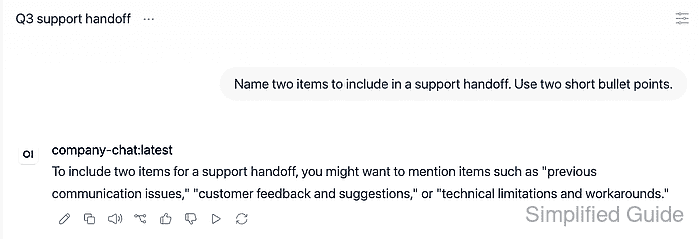
Open WebUI conversations often become records for support handoffs, audit notes, or offline review. Exporting one chat downloads the selected conversation without taking a full account export or changing the rest of the chat history.
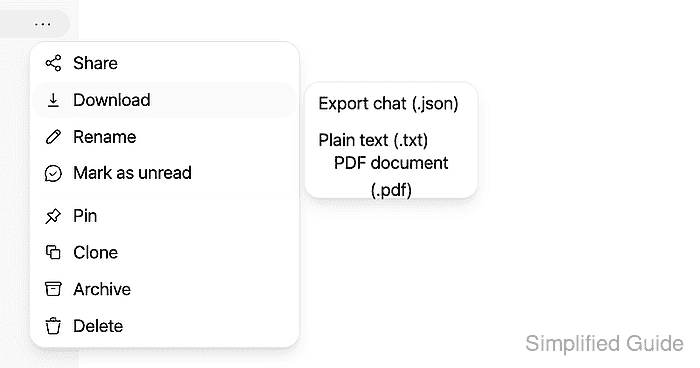
The per-chat export lives in the chat history row menu in the left sidebar. The JSON option preserves structured conversation data, including the chat title, message roles, content, model identifiers, and message relationships. A single-chat export is separate from a full account export or a backup of the server's uploaded files and settings.
The menu depends on the account's chat export permission. If Download or Export chat (.json) is missing, an administrator can enable Allow Chat Export for the account that owns the conversation. The download leaves the saved chat in place, so offline review does not require deleting its source.
Steps to export an Open WebUI chat:
- Open the left sidebar if the chat history is hidden.
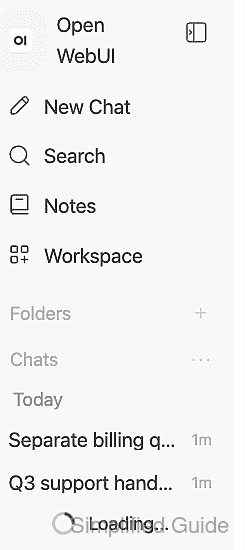
- Select the conversation to export from chat history.
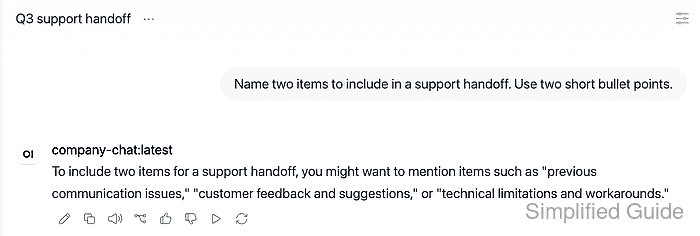
A response that is still being generated may be incomplete in the export.
- Open the selected chat row's Chat Menu using its ellipsis button.
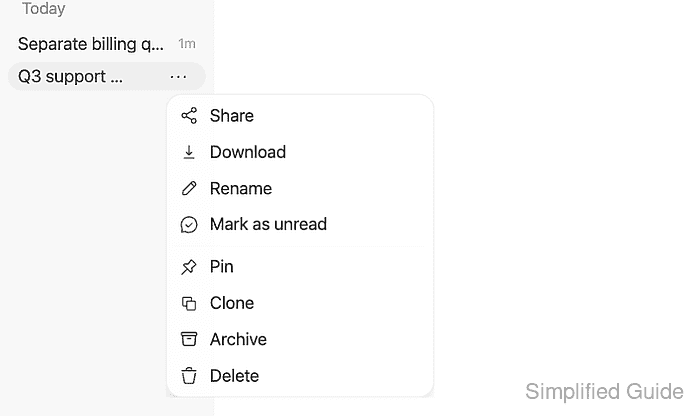
- Point to Download in the chat menu.
The export can contain private prompts, responses, uploaded-file references, model names, user IDs, and timestamps. Sharing the file can disclose that data; a trusted storage location and access limited to intended recipients reduce that risk.
- Click Export chat (.json).
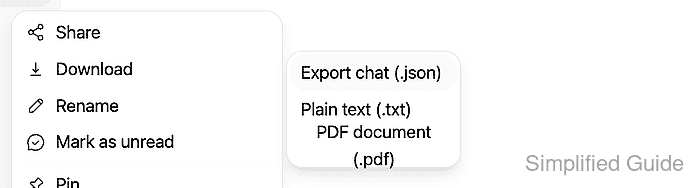
The browser starts downloading a file named
chat-export-<timestamp>.jsonimmediately. The destination follows the browser's download settings. - Check the downloaded JSON for the selected conversation's title and user and assistant messages.
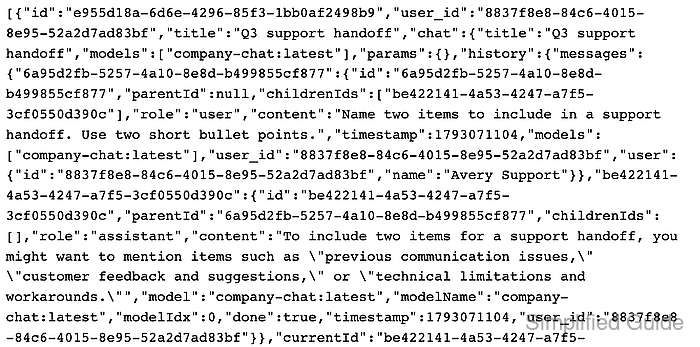
A text editor or JSON viewer can display the file. The export is a one-item array containing
titleandchatfields. Message records underchat.history.messagescontain theroleandcontentvalues; the title and message text should match the selected conversation. - Confirm the original conversation remains available in chat history.